Introduction to Tailwind CSS and shadcn/ui
Creating an MVP is a bit of a whirlwind. It’s fast-paced, intense, and filled with its fair share of chaos. But compromising on quality? That’s not an option. This is where Tailwind CSS and shadcn/ui step in. They let you build a solid design system without losing your mind over the minutiae.
Tailwind CSS is all about putting the design driver seat in your hands. Forget wrestling with countless CSS files. With Tailwind, you’ve got straightforward control. Meanwhile, shadcn/ui packs a punch with a snazzy component library that meshes perfectly with Tailwind. Think of it as having a Swiss Army knife ready for all your design challenges.
Together, these tools create a synergy that developers, including solo founders and small teams, are buzzing about. The promise? Efficiency and quality rolled into one neat package.
For more on how Tailwind can shake up your projects, dive into our Tailwind CSS guide.
What Tailwind CSS and shadcn/ui Do Well
The beauty of Tailwind CSS? It’s built on a utility-first philosophy. You style your components right within your markup. Quick, efficient, and immensely customizable—ideal for startups that need to switch gears swiftly.
Then there’s shadcn/ui. It’s like your personal design sidekick. With a library of pre-built components that sync seamlessly with Tailwind, you’re shaving off hours you can repurpose to perfect your MVP.
In my experience, adopting Tailwind CSS and shadcn/ui early can streamline your design workflow, allowing more time to focus on refining the core product. That’s not just a process improvement — that’s time you can reclaim for what actually matters.
Together, these tools enable you to maintain a top-tier design system without getting caught in the weeds. [INLINE IMAGE: Graph showing time saved using Tailwind CSS and shadcn/ui]
Where Tailwind CSS and shadcn/ui Might Fall Short
Every tool has its quirks, and Tailwind CSS and shadcn/ui are no exceptions. Starting with the setup. For newcomers, configuring everything can feel like solving a cryptic puzzle. It’s doable, but it demands some patience.
Then there’s the matter of bloated CSS. If you’re not careful, your CSS files can balloon rapidly. Tailwind is powerful, but with that power comes responsibility. [INLINE IMAGE: Checklist of common pitfalls and solutions]
As for shadcn/ui, while it’s fantastic, it might sometimes limit how far you can customize. It provides a solid foundation, but if you’re aiming for something ultra-specific, you might have to roll up your sleeves and tweak.
What’s the strategy? Keep your setup lean, use tools like PurgeCSS, and modify shadcn/ui components to fit your needs. It’s all about finding that sweet spot.
Migration Checklist for Integrating Tailwind CSS and shadcn/ui
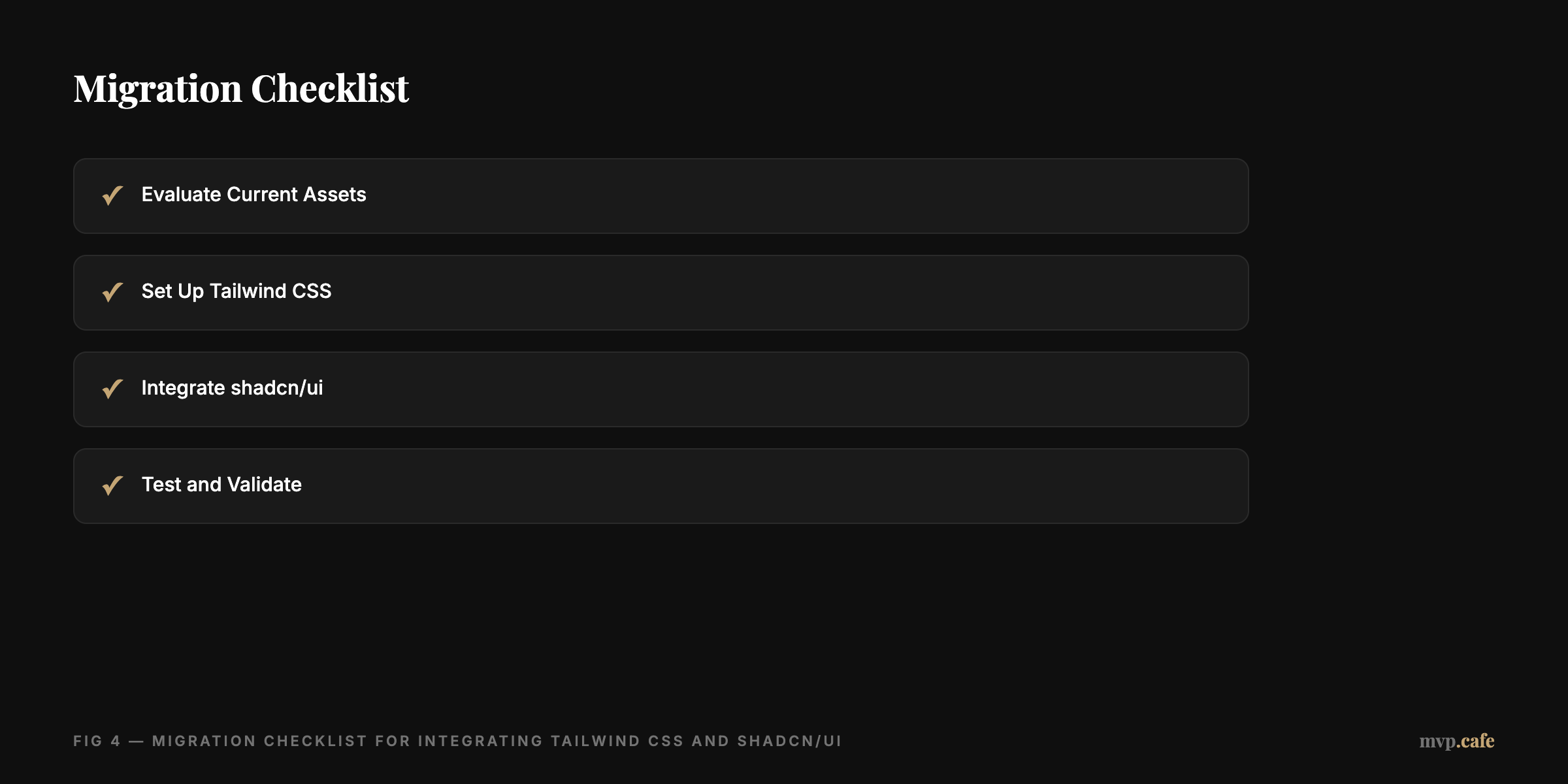
Ready to jump in? Here’s your migration checklist:
- Evaluate Current Assets: Check what can be integrated and what needs refreshing.
- Set Up Tailwind CSS: Follow a structured approach to avoid headaches later.
- Integrate shadcn/ui: Add components smoothly to your current setup.
- Test and Validate: Make sure everything runs smoothly before going live.
For those seeking a holistic approach, our full MVP build service can guide you through each step.
Step-by-Step Guide to Building Your MVP Design System
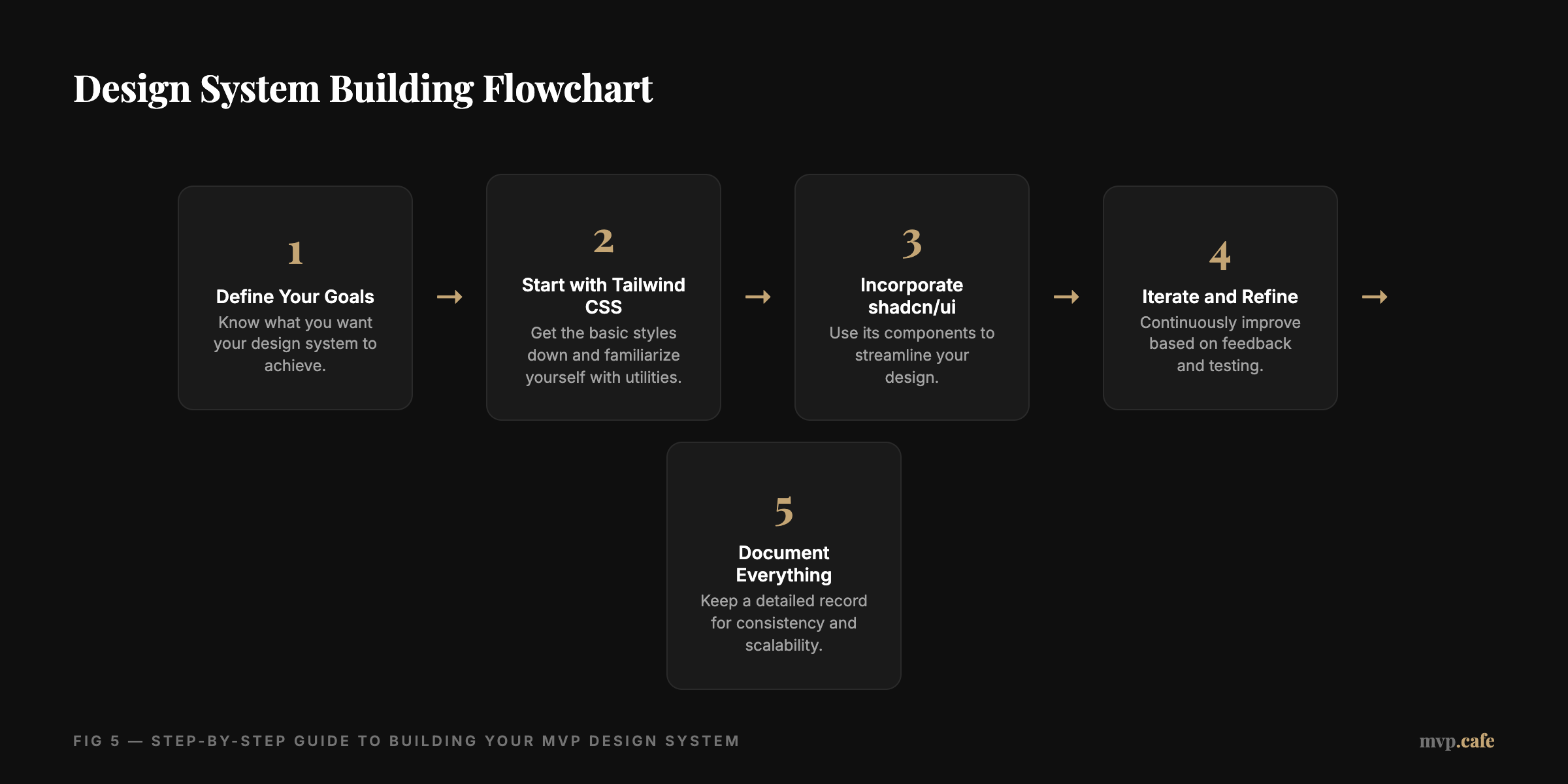
Building a design system isn’t just about piecing components together. It requires thoughtful planning. Here’s how to get it done with Tailwind CSS and shadcn/ui:
- Define Your Goals: Know what you want your design system to achieve.
- Start with Tailwind CSS: Get the basic styles down and familiarize yourself with utilities.
- Incorporate shadcn/ui: Use its components to streamline your design.
- Iterate and Refine: Continuously improve based on feedback and testing.
- Document Everything: Keep a detailed record for consistency and scalability.
This isn’t just about crafting a product—it’s about building a scalable system that evolves with your startup.
Pitfalls to Avoid When Using Tailwind CSS and shadcn/ui
Keep your MVP journey smooth by avoiding these common traps:
- Over-reliance on Default Components: Customize where needed to reflect your brand.
- Neglecting Mobile Responsiveness: Tailwind makes it easy, so don’t skip it.
- Ignoring Performance Optimization: Use PurgeCSS to trim your CSS.
- Failing to Update Documentation: Keep it fresh to prevent future headaches. [INLINE IMAGE: List of pitfalls with caution icons]
Tailwind CSS and shadcn/ui can truly transform your MVP development. They offer a mix of speed and quality, perfect for solo founders keen on making a mark without unnecessary hassles. So dive in, experiment, and watch them fast-track your success.