
How to Validate Your Startup Idea in 48 Hours (No Code Required)
You don’t need a prototype to know if your idea has legs. You need a weekend, a landing page, and 15 honest conversations.
Most founders spend 3-6 months building before they find out nobody wants what they made. That’s not dedication — that’s expensive procrastination disguised as progress.
Here’s the 48-hour framework we use with founders at mvp.cafe. It’s been tested on 45+ product builds. It works.
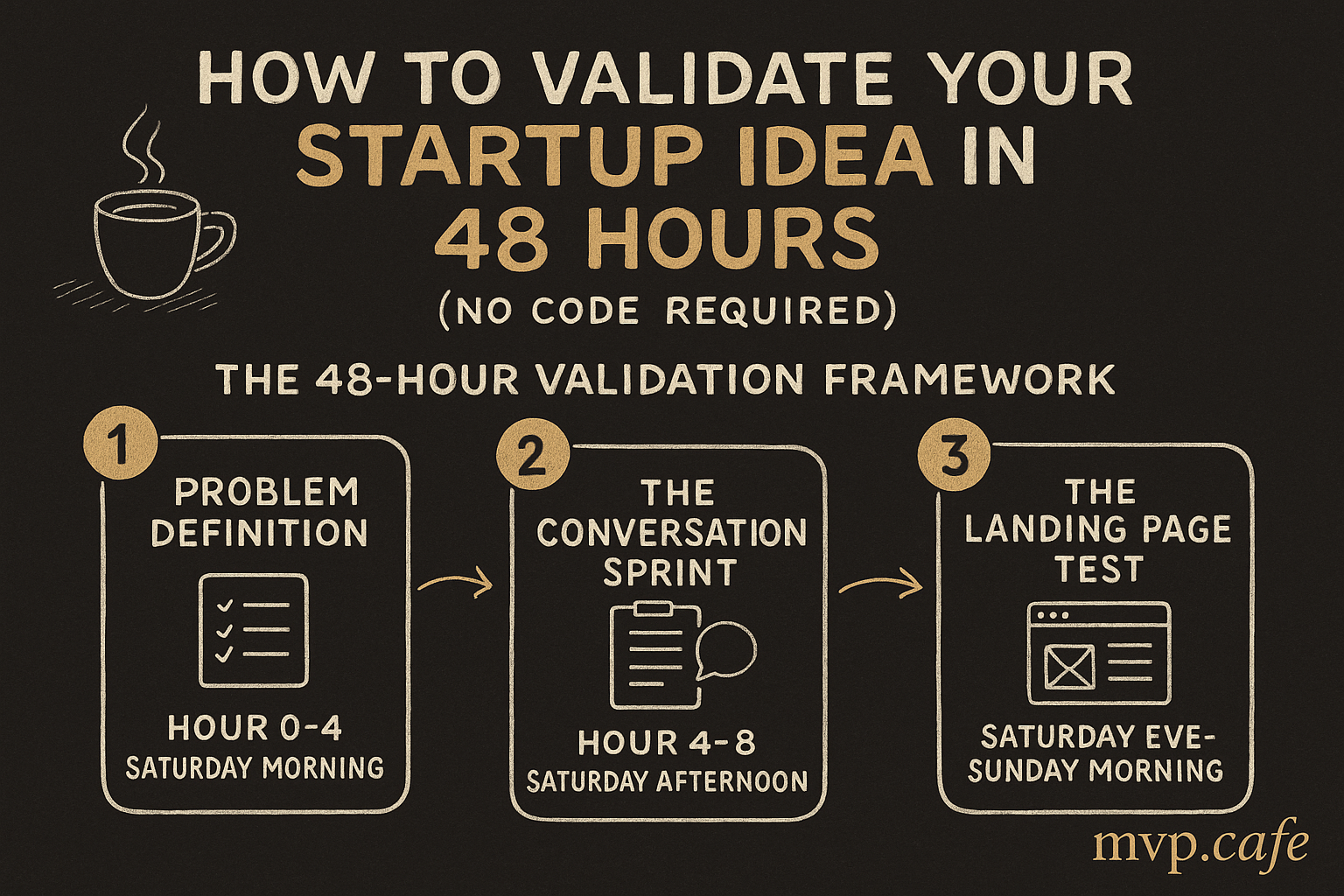
The 48-Hour Validation Framework
Why 48 Hours?
Two reasons:
- It forces ruthless prioritization. You can’t build features in 48 hours. You can only test demand. That’s the point.
- The signal you get in 48 hours is 80% as good as the signal you get in 6 months. The other 20% comes from having a live product — but you shouldn’t build that product until the first 80% checks out.
If you can’t generate interest in 48 hours, more time won’t help. You either have a problem worth solving, or you don’t.
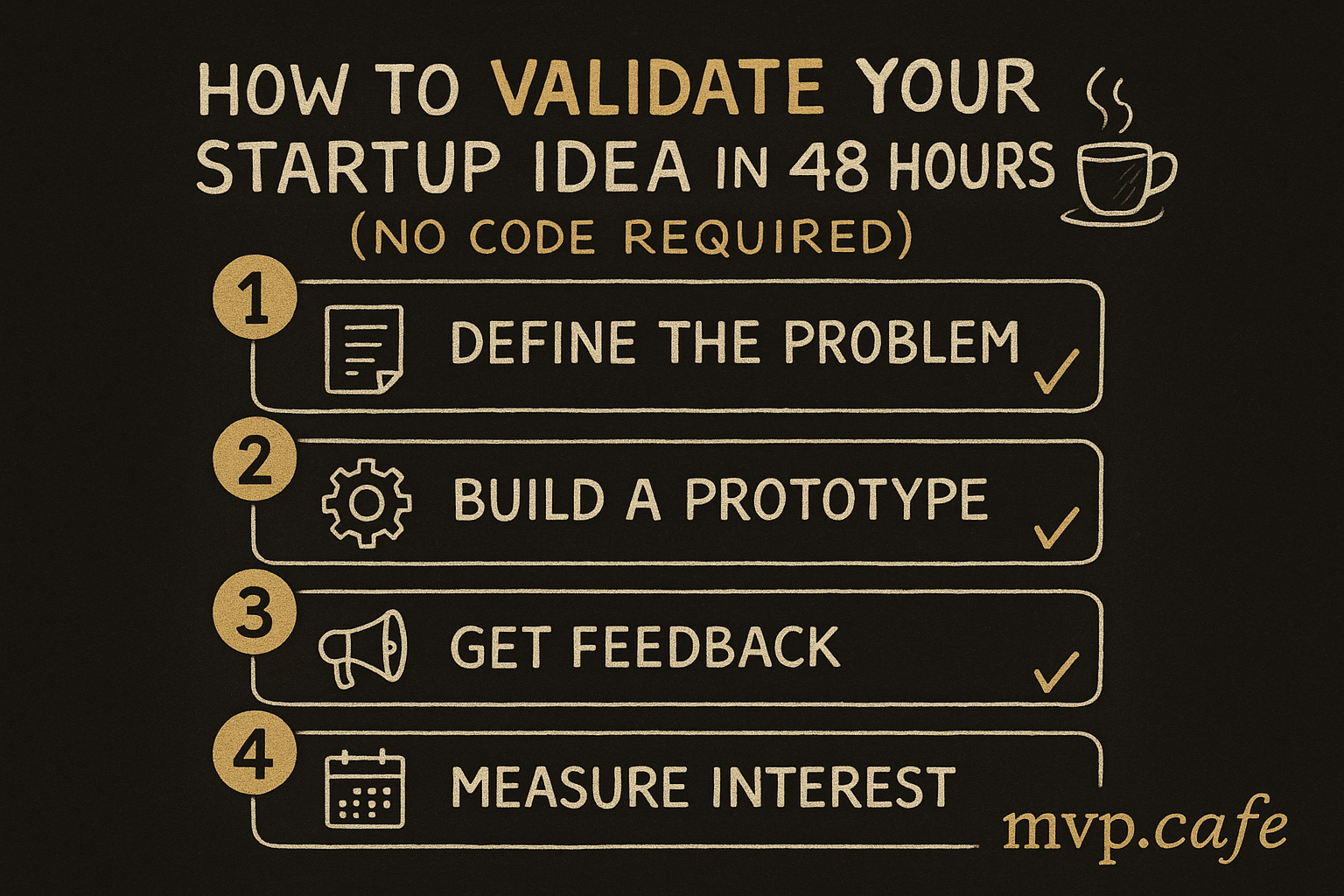
Hour 0-4: Problem Definition (Saturday Morning)
Before testing anything, you need to answer one question with brutal clarity:
“What specific problem am I solving, for whom, and why is it painful enough to pay for?”
Not “I’m building an AI-powered X.” That’s a solution. Solutions are easy. Problems are valuable.
The Problem Statement Template
Fill this in. Don’t skip it.
[Specific person] struggles with [specific problem] when they try to [specific activity]. This costs them [time/money/reputation] because [root cause]. They currently solve this by [existing workaround], which fails because [limitation].
Examples of bad problem statements:
- “People need a better project management tool” (vague person, vague problem)
- “Small businesses need AI” (solution masquerading as problem)
- “Freelancers struggle with invoicing” (too broad — which freelancers? What about invoicing?)
Examples of good problem statements:
- “Solo freelance designers spending 3+ hours/week chasing late payments from clients who ‘forgot’ — they use Stripe invoices but have no automated follow-up, so they either awkwardly email or lose $500-$2000/month”
- “First-time Shopify store owners spending $200-$500 on Facebook ads with zero conversions because they’re targeting wrong audiences — they follow YouTube tutorials but the advice is 2 years outdated”
Homework Before Moving On
- Write your problem statement
- List 5 people you personally know who have this problem
- If you can’t list 5, that’s your first red flag
Hour 4-8: The Conversation Sprint (Saturday Afternoon)
This is the highest-ROI activity in the entire framework. Skip it and the rest doesn’t matter.
What You’re Doing
Having 8-10 conversations with potential users. Not pitching. Not selling. Listening.
Who to Talk To
- People from your list of 5 (plus their referrals)
- People in relevant online communities (Reddit, Discord, Slack groups)
- People you find by posting “I’m researching [problem] — anyone willing to chat for 10 minutes?”
The Conversation Script
Opening (30 seconds): “I’m researching [problem area]. I’m not selling anything. I just want to understand how you deal with [specific situation]. Can I ask you a few questions?”
Core questions (8 minutes):
- “Tell me about the last time you dealt with [problem]. Walk me through what happened.”
- “What did you try to solve it?”
- “What was frustrating about those solutions?”
- “If you could wave a magic wand and fix one thing about [problem area], what would it be?”
- “How much time/money does this problem cost you per month?”
Critical question (1 minute): 6. “If something existed that solved [their described problem] — would you pay for it? How much?”
Closing (30 seconds): 7. “I might build something for this. Can I follow up with you in a couple weeks?”
What You’re Listening For
Green lights:
- They describe the problem without prompting (it’s top-of-mind)
- They’ve already tried multiple solutions (they’re actively searching)
- They can quantify the cost (time or money)
- They say “yes” to paying — and name a number without hesitation
- They offer to introduce you to others with the same problem
Red lights:
- They shrug when you describe the problem (“yeah, I guess that’s annoying”)
- They haven’t tried to solve it (not painful enough to act on)
- “I’d use it if it were free” (not a customer, just a user)
- They can’t articulate what a solution would look like
- They change the subject quickly
Scoring
After 8-10 conversations:
- 7+ green lights: Strong signal. Move to Hour 8.
- 4-6 green lights: Mixed. Refine the problem statement and do 5 more conversations.
- 0-3 green lights: Kill it or pivot the angle. Don’t build.
Hour 8-16: The Landing Page Test (Saturday Evening → Sunday Morning)
You’ve confirmed the problem exists and people care. Now test whether they’ll take action.
Build a Landing Page in 60 Minutes
Use Carrd ($19/year), Typedream (free), or even a Google Form. The tool doesn’t matter. The copy does.
Page structure:
- Headline: Restate the problem in their words (use exact language from conversations)
- Subheadline: Describe the outcome (not features)
- 3 bullet points: What changes for them (time saved, money saved, pain removed)
- CTA button: “Join the waitlist” or “Get early access” or “Book a free call”
- Social proof: “Talked to 15 founders with this problem” (honest, real)
What NOT to include:
- Product screenshots (you don’t have a product)
- Feature lists (you don’t know the features yet)
- Pricing (too early)
- Your bio (nobody cares yet)
The Fake Door Test
Create a second version of your landing page with a pricing CTA:
- Same page, but instead of “Join waitlist” → “Start free trial — $X/month after 14 days”
- When they click, show: “We’re launching soon! Enter your email to get early access at 50% off.”
This tells you if people will click a “buy” button — not just an “interested” button. The difference is massive.
Drive Traffic (60 Minutes)
You need 100-200 visitors to get meaningful data. Here’s how:
- Post in communities where you had conversations (Reddit, Discord, IndieHackers) — “I’m exploring a solution for [problem]. Here’s what I’m thinking: [link]. Would love feedback.”
- DM the people you talked to — “Hey, I put together a quick page based on our conversation. Would love your honest feedback: [link]”
- Share on your personal social — LinkedIn post, Twitter, wherever you have even 50 followers
- Relevant Facebook/Slack groups — don’t spam, add context
What You’re Measuring
-
Landing page conversion rate: Waitlist signups ÷ visitors
- 10%+ → Strong signal
- 5-10% → Decent, worth iterating
- Below 5% → Weak. Copy problem or idea problem.
-
Fake door click rate: Pricing CTA clicks ÷ visitors
- 3%+ → People will pay
- 1-3% → Maybe, needs work
- Below 1% → Problem isn’t painful enough to pay for
Hour 16-24: The Concierge Test (Sunday)
If your landing page performed well, run the concierge test with 3-5 of your most engaged signups.
What’s a Concierge Test?
You manually deliver the service your product would automate. No code. No automation. Just you, doing the work by hand.
Examples:
- Building a meal planning app? → Make 3 custom meal plans manually via email
- Building an invoice chaser? → Send follow-up emails on behalf of 3 freelancers
- Building a lead gen tool? → Manually research and compile 20 leads for 3 companies
Why This Works
- You learn the actual workflow (not what you imagined)
- You discover edge cases you’d never think of
- You see if people actually use what you deliver
- You can charge for it (even $10 validates willingness to pay)
The Ask
Email or DM your most engaged signups:
“Hey [name], thanks for signing up. I’m building [product] and want to give you early access — completely manually. I’ll personally [do the thing] for you this week. All I ask: 15 minutes of feedback after. Interested?”
If they say yes, do the work. Document everything. Their feedback is your product spec.
Hour 24-48: Score and Decide (Sunday Evening)
The Validation Scorecard
| Signal | Score |
|---|---|
| 7+ of 10 conversations showed real pain | +3 |
| People quantified the cost (time/money) | +2 |
| Landing page conversion > 10% | +3 |
| Fake door click rate > 3% | +3 |
| 3+ people accepted concierge offer | +2 |
| Someone offered to pay during concierge | +3 |
| You enjoyed doing the manual work | +1 |
| You learned something you didn’t expect | +1 |
Score interpretation:
- 14-18: Build it. You have a validated problem, demand signal, and early users.
- 8-13: Promising but needs refinement. Run another 48-hour cycle with adjusted positioning.
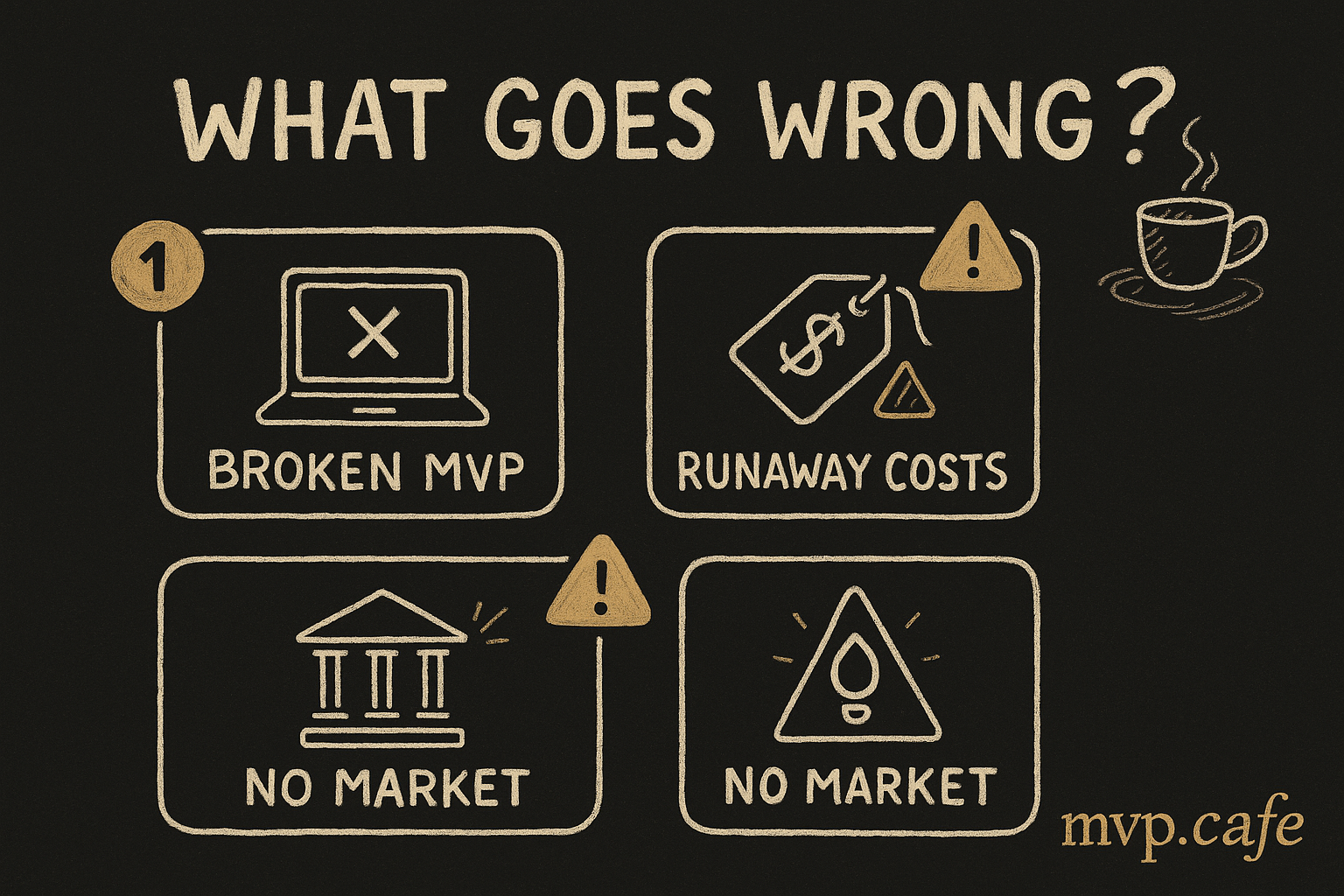
- 0-7: Don’t build. Either the problem isn’t painful enough, your audience is wrong, or the market doesn’t exist.
Common Mistakes at This Stage
-
“But my sample size is small!” — Yes. And 10 genuine conversations give you more signal than 1,000 survey responses. Qualitative > quantitative at this stage.
-
“But they said they’d use it!” — “Would use” ≠ “would pay.” Only count signals where people took action (signed up, clicked buy, accepted concierge).
-
“But I know the market needs this.” — You might be right. But the market doesn’t owe you customers. Test before you invest.
-
“The conversations went well but nobody signed up.” — Your problem is real but your positioning is off. Rewrite the landing page using their exact words and test again.
What Comes After 48 Hours
If Validated: Build Strategically
Don’t jump to code. Your next steps:
- Write a 1-page product brief — what you’re building, for whom, the core workflow
- Define your V1 scope — the smallest thing that delivers the concierge value automatically
- Set a build timeline — 2-4 weeks max for V1
- Keep your concierge users engaged — they’re your first customers
If Not Validated: Pivot or Kill
No shame in killing an idea after 48 hours. In fact, it’s the smartest thing you can do. You just saved yourself months and thousands of dollars.
Pivot options:
- Same audience, different problem (they told you what hurts)
- Same problem, different audience (the pain exists, but for different people)
- Adjacent problem you discovered in conversations
Real Examples
Example 1: Task Manager for ADHD Freelancers
- Conversations: 8/10 freelancers with ADHD described task paralysis as a daily problem
- Landing page: 14% conversion (headline: “Finally, a task manager that works with your ADHD brain, not against it”)
- Fake door: 4.2% click rate on “$8/month” CTA
- Concierge: Manually created daily task lists for 4 freelancers. 3 used them consistently.
- Score: 15/18 → Build it.
Example 2: AI Meeting Notes for Sales Teams
- Conversations: 6/10 said it was annoying but not a top-3 problem. Their CRM already had transcription.
- Landing page: 3% conversion
- Fake door: 0.8% click rate
- Concierge: 1 of 4 accepted
- Score: 5/18 → Kill it. (Already solved well enough by existing tools.)
The Bottom Line
48 hours won’t tell you everything. But it’ll tell you the one thing that matters: is this problem worth solving?
If yes, you build with confidence. If no, you saved yourself from the most common founder mistake — falling in love with a solution before validating the problem.
The founders who win in 2026 aren’t the ones with the best code. They’re the ones who validated fastest and built only what the market asked for.
Go test your idea. You have a weekend. That’s all you need.