
Most MVP rework does not happen because the developer is lazy or the founder is unclear in a dramatic way. It happens because both sides thought the feature was obvious.
“Add user invite flow” sounds simple until you ask what should happen when the email already exists, the invite expires, the user opens it on mobile, or the workspace owner removes access before the invite is accepted.
That is where acceptance criteria help. They turn fuzzy agreement into a small set of testable conditions.
But founders often overcorrect. They write a giant PRD, document every edge case they can imagine, and turn a one-week feature into a paperwork exercise. That is not the point.
For an MVP, acceptance criteria should answer one question: what must be true before we can confidently put this in front of a real user?
Acceptance Criteria Are Not a PRD
A PRD explains context. Acceptance criteria define pass or fail.
If the PRD says, “Users should be able to invite team members,” the acceptance criteria say:
Given I am a workspace owner
When I enter a valid email and click Send Invite
Then the invited person receives an invite link and appears as Pending in the team list.
That line is useful because it can be tested. Either the invited person receives the link and appears as pending, or they do not.
Good acceptance criteria reduce interpretation. Bad acceptance criteria add decoration.
Bad: The invite flow should be seamless and intuitive.
Good: If the invite email is invalid, show an inline error before sending.
“Seamless” is a vibe. “Show an inline error before sending” is a test.
The Three Jobs of Acceptance Criteria
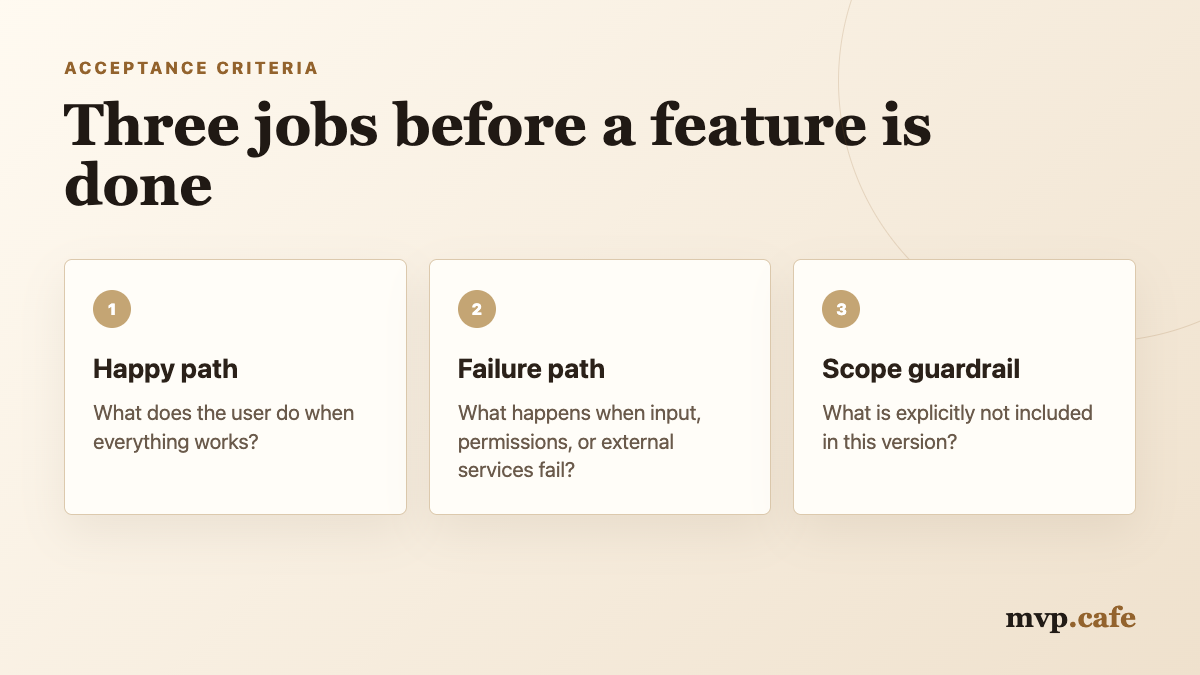
Acceptance criteria should do three jobs.
First, they describe the happy path. What does the user do when everything works?
Second, they define the important failure paths. What happens when the input is wrong, the account lacks permission, or the external service fails?
Third, they protect the scope. What is explicitly not part of this version?
That third job is underrated. A feature can pass acceptance criteria and still leave future ideas on the table. That is healthy. MVP execution depends on knowing what not to build yet.
Use Given, When, Then Without Becoming Robotic
The simplest format is still the best:
Given [starting context]
When [user action]
Then [expected result]
You do not need to use it for every line. But it is a useful forcing function when a requirement feels vague.
For example, “users can reset password” can become:
Given I am on the login screen
When I request a password reset with a registered email
Then I receive a reset link and see a confirmation message.
Add the failure path:
Given I enter an unregistered email
When I request a password reset
Then I see the same confirmation message, and the app does not reveal whether the email exists.
That second line is the kind of detail that prevents security and privacy mistakes without requiring a 40-page spec.
The MVP Acceptance Criteria Template
Use this lightweight template for any feature.
Feature:
[One-sentence feature name]

User:
[Who is using it?]

Goal:
[What are they trying to accomplish?]

Happy path:
1. Given...
2. Given...

Failure paths:
1. If...
2. If...

Not included in v1:
- ...
- ...

Definition of done:
- Works on mobile and desktop
- Empty/loading/error states are handled
- Core event is tracked
- Tested in a fresh account
This is enough for most MVP features. If you need more, either the feature is complex or the scope is leaking.
Example: Invite Team Member
Here is how this looks in practice.
Feature:
Invite team member

User:
Workspace owner

Goal:
Add another person to the workspace so they can access shared projects.

Happy path:
1. Given I am a workspace owner, when I enter a valid email and click Send Invite, then the invite is sent and the person appears as Pending.
2. Given the invited person opens the invite link, when they create an account or sign in, then they join the correct workspace.
3. Given the invite is accepted, when I view the team list, then the person appears as Active.

Failure paths:
1. If the email is invalid, show an inline error before sending.
2. If the email already belongs to a workspace member, show "Already a member."
3. If the invite link is expired, show a clear expired-link message and let the owner resend it.

Not included in v1:
- Role customization
- Bulk invites
- Invite analytics
- SSO enforcement
Notice the last section. Without it, “invite team member” quietly grows into roles, permissions, teams, billing seats, activity logs, and admin settings. Congratulations, you accidentally built an access-management module.
The Fresh Account Test
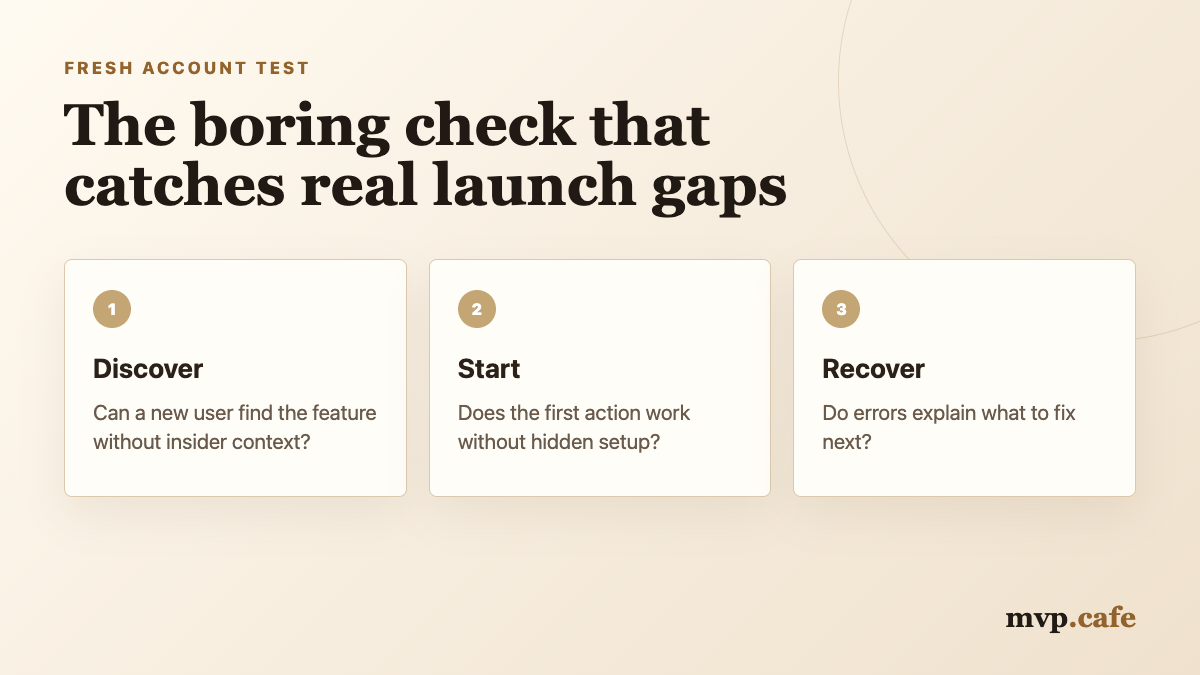
Every acceptance criteria review should include one boring but powerful check: create a fresh account and test the feature from zero.
Developer accounts are polluted. They have fixtures, admin permissions, test users, old data, and cached states. They hide product holes.
A fresh account reveals whether the feature works for the person who has no context.
Ask:
- Can the user discover the feature?
- Does the empty state explain what to do?
- Does the first action work without hidden setup?
- Does the error message explain recovery?
- Does the product still make sense after the action completes?
Write Criteria Around Behavior, Not Implementation
Founders get into trouble when they try to write engineering instructions.
Too technical:
Use a Redis queue, store token expiry in Postgres, and debounce the invite API.
Maybe that is right. Maybe it is not. Unless you are the engineer, it is probably not your highest-leverage contribution.
Write the behavior instead:
Better:
If the user clicks Send Invite twice, only one invite should be created and sent.
Now the developer can choose the implementation. The product outcome is still protected.
This is the line to hold: acceptance criteria should describe observable behavior. Architecture belongs in technical notes, not founder-written pass/fail criteria.
The Seven Criteria Limit
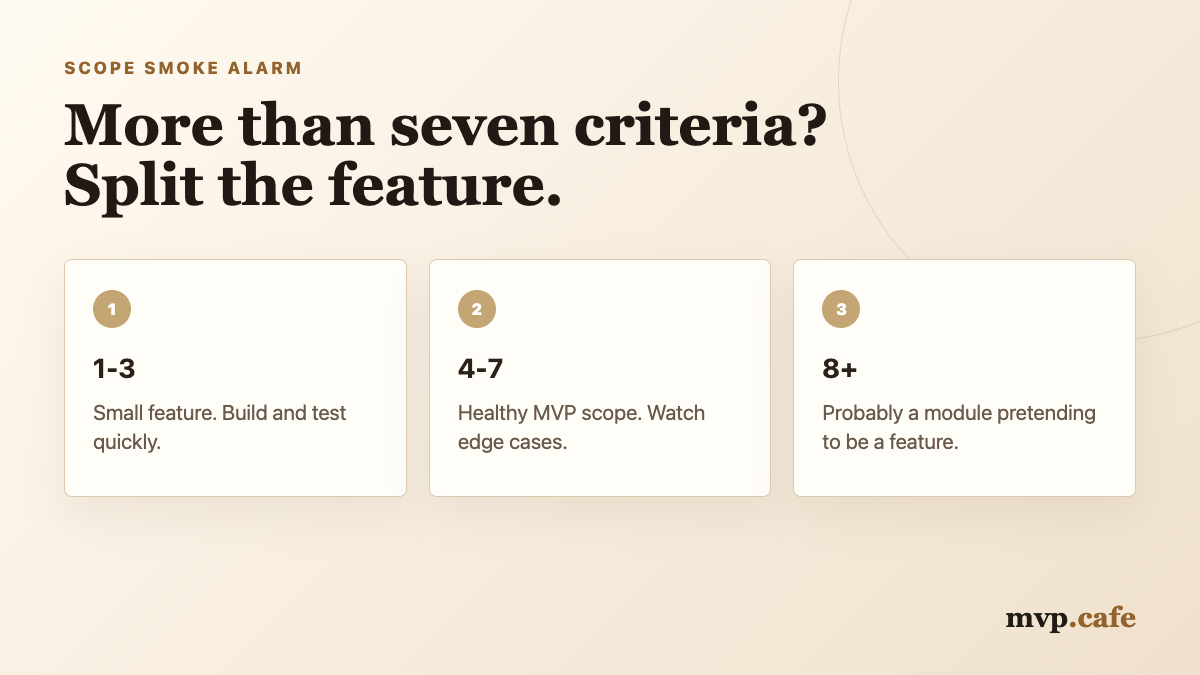
For MVP work, a useful rule is: if one feature needs more than seven acceptance criteria, split it.
Not always. Some domains are naturally complex. But most early products inflate because the team keeps stuffing related ideas into one feature.
“User profile” becomes:
- Upload avatar
- Edit name
- Change email
- Change password
- Add social links
- Set notification preferences
- Delete account
- Export data
- Manage billing
That is not one feature. That is a settings area.
Split it into smaller releases. Each one gets its own acceptance criteria. Your build will be easier to test, easier to ship, and easier to roll back.
The Definition of Done Is Separate
Acceptance criteria belong to the feature. Definition of done belongs to the product team.
For an MVP, the definition of done can be simple:
- The happy path works.
- The main failure paths are handled.
- The feature works on mobile and desktop.
- Empty, loading, and error states are not blank.
- The core event is tracked.
- The feature is tested in a fresh account.
- The release can be rolled back or disabled if needed.
Do not repeat these in every feature. Keep them as the shared quality bar.
This is how you avoid two bad extremes: shipping sloppy features because “it is just an MVP,” or writing bloated specs because everyone is scared of ambiguity.
Common Mistakes
Mistake 1: Writing criteria after development starts
Acceptance criteria are most useful before build. After development starts, they become negotiation notes.
Mistake 2: Using vague adjectives
Words like fast, simple, clean, smooth, intuitive, and robust are not criteria. Replace them with observable outcomes.
Mistake 3: Testing only the happy path
Most user pain comes from failure paths: invalid inputs, empty states, duplicate actions, permissions, expired links, missing data, and slow network responses.
Mistake 4: Turning criteria into implementation control
Founders should protect outcomes. Developers should own implementation trade-offs.
Mistake 5: Forgetting what is not included
If you do not write “not included,” the feature will absorb every adjacent idea.
A Quick Review Ritual
Before a feature enters build, spend 15 minutes on this review:
1. Can we test every criterion manually?
2. Is each line about user-visible behavior?
3. Are the top 2-3 failure paths covered?
4. Did we write what is not included in v1?
5. Would a fresh user understand the feature after it ships?
If the answer is yes, the feature is ready to build.
If the answer is no, do not ask for “more detail” in general. Fix the exact line that is unclear.
The Real Point
Acceptance criteria are not documentation theater. They are a shared memory of the decision.
They help the founder avoid “I thought this was obvious.” They help the developer avoid “that was not in scope.” They help the product avoid half-working features that technically exist but fail the first real user.
Keep them short. Keep them testable. Keep them tied to behavior.
That is enough.
If you are unsure whether your MVP scope is tight enough, the mvp.cafe Build Score is a free pressure test for feature focus, user clarity, and launch readiness.