Most solo founders discover feature flags too late.
The pattern is predictable. You ship the MVP. A few early users start relying on it. Then you need to change something risky: onboarding, payment copy, dashboard logic, an AI prompt, a permissions rule, a migration, a new flow.
You do the “simple” thing: merge to main, deploy, refresh the page, hope nothing catches fire.
That works until your first real customer is inside the product while you are experimenting on production.
Feature flags are not enterprise ceremony. Used correctly, they are a solo founder’s cheapest insurance policy against breaking the one thing that matters: trust.
What a Feature Flag Actually Is
A feature flag is just a runtime switch.
Instead of deploying code and immediately exposing it to everyone, you deploy the code behind a condition:
if (flags.newOnboarding) {
  return <NewOnboarding />;
}

return <OldOnboarding />;
That condition can be a simple environment variable, a database field, a user email allowlist, a percentage rollout, or a proper flagging tool.
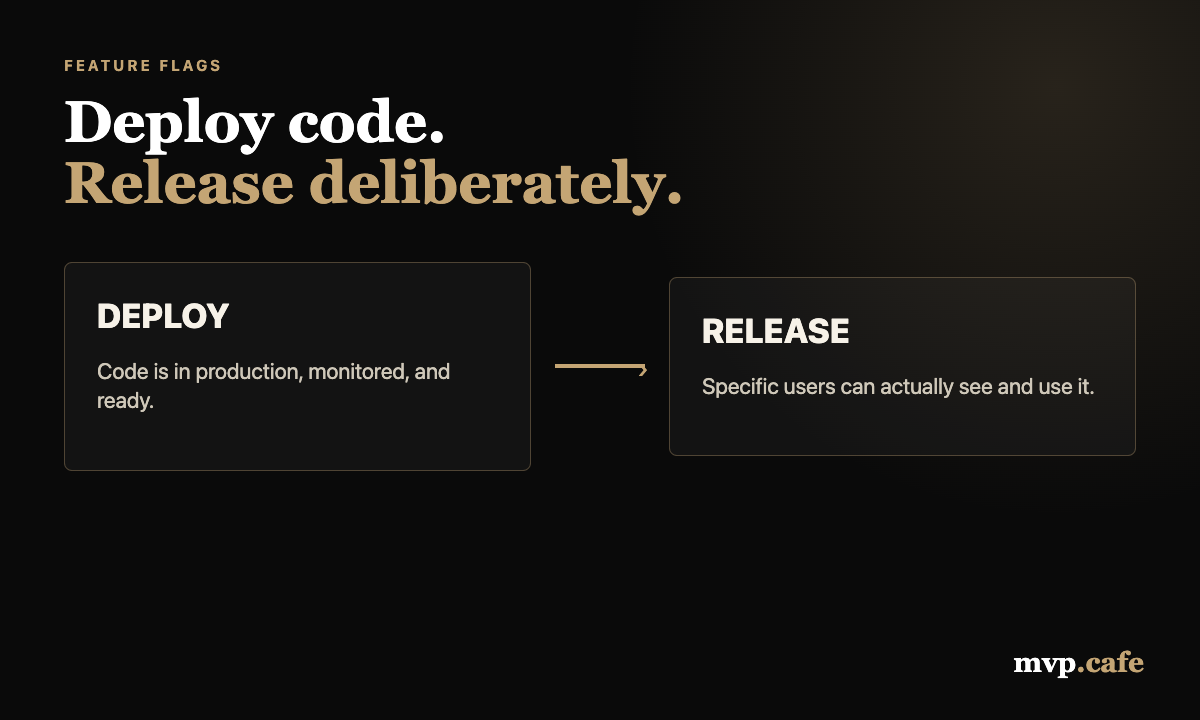
The point is not the tool. The point is separating deployment from release.
Deployment means the code is live on the server. Release means users can actually experience it.
Solo founders usually merge those two decisions into one button. Feature flags split them apart.
When Feature Flags Are Worth It in an MVP
Do not flag everything. That is how you create a second product made entirely of switches.
For an MVP, flags are worth using when a change is risky, reversible, or user-specific.
Flag these:
- New onboarding flows
- Payment or checkout experiments
- AI prompt changes that affect output quality
- User role or permission changes
- Dashboard redesigns
- Data-heavy workflows
- Beta features for selected users
- Anything that can break activation, trust, or revenue signals
Do not flag these:
- Static copy tweaks
- One-line UI fixes
- Internal refactors that do not change behavior
- Dead experiments you already decided to remove
- Every tiny button color change because “best practice”
The MVP rule is simple: flag the parts where rollback needs to be instant.
If the worst case is “this text could be clearer,” ship it normally. If the worst case is “a user cannot finish the workflow,” put it behind a flag.
The Three Flags a Solo Founder Actually Needs
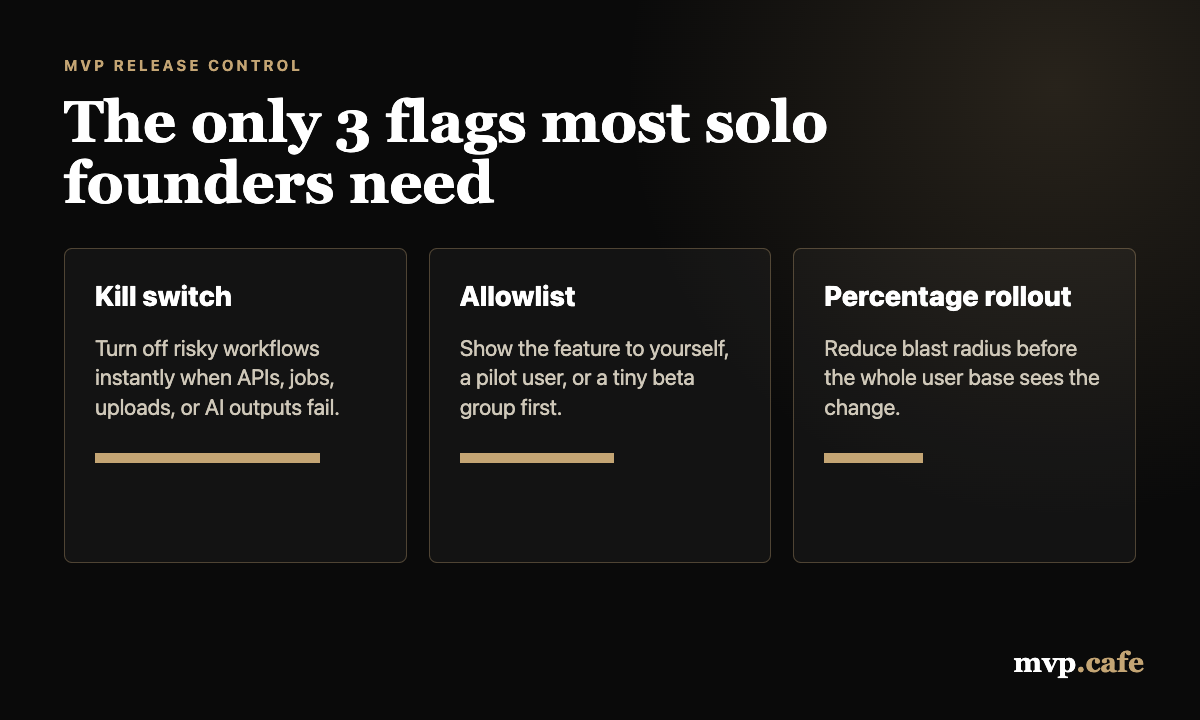
You do not need LaunchDarkly-level governance on day one. You need three practical flag types.
1. The Kill Switch
This is the flag that turns a risky capability off immediately.
Use it for anything connected to third-party APIs, AI generation, emails, file uploads, background jobs, or workflows that can create bad data.
Example:
if (!flags.aiSummaryEnabled) {
  return { status: "disabled", message: "Summary is temporarily unavailable." };
}
The kill switch is boring until something breaks at midnight. Then it becomes the best engineering decision you made all week.
2. The Allowlist
This releases a feature only to specific users, usually by email or account ID.
Use it when you want one friendly user to test the new thing before everyone else sees it.
const betaEmails = ["founder@example.com", "pilot@example.com"];
const canSeeNewDashboard = betaEmails.includes(user.email);
Yes, hardcoding an allowlist is ugly. It is also perfectly fine for the first few users. You can move it into a database later when the pain is real.
3. The Percentage Rollout
This releases to a small share of users first.
For an MVP, you may not have enough users for statistically clean experiments. That is not the point. The point is blast radius.
Ship to 10 percent. Watch errors, support messages, activation, and obvious confusion. Then go wider.
The Wrong Way to Use Flags
Feature flags become dangerous when they turn into permanent clutter.
The common mistakes:
- Flags with unclear owners
- Flags that stay active for months
- Nested flags inside nested flags
- No default behavior if the flag service fails
- Flag names like
test2,newThing, orexperiment_final_final - Shipping both old and new logic forever
Every flag should have a removal plan. Not a 17-step governance process. Just a note in the code or issue:
// Remove after new onboarding is enabled for all users for 7 days.The flag is a bridge, not a permanent architecture layer.
A Simple MVP Feature Flag Setup
Here is a lightweight setup that works for most solo-founder MVPs.
Start with a typed config object:
export const flags = {
  newOnboarding: process.env.FEATURE_NEW_ONBOARDING === "true",
  aiSummaryEnabled: process.env.FEATURE_AI_SUMMARY !== "false",
  betaDashboardEmails: (process.env.BETA_DASHBOARD_EMAILS || "")
    .split(",")
    .map((email) => email.trim().toLowerCase())
    .filter(Boolean),
};
Then wrap the decisions in tiny helpers:
export function canUseBetaDashboard(userEmail: string) {
  return flags.betaDashboardEmails.includes(userEmail.toLowerCase());
}
This is enough for:
- Environment-level switches
- Emergency shutoff
- Private beta access
- Clear defaults
- Easy local testing
You can ship this in under an hour. More importantly, you can understand it when production is broken and your brain is running on fumes.
When to Use a Proper Feature Flag Tool
Use a dedicated feature flag tool when your manual setup starts costing more attention than it saves.
Good triggers:
- Non-technical teammates need to turn flags on or off
- You need audit history
- You are running multiple experiments at once
- You need organization, workspace, or role-based targeting
- You have enough traffic for controlled rollouts to matter
- Your flags are spread across frontend, backend, and background workers
Until then, keep it boring.
The founder trap is using enterprise release tooling to avoid making a clear product decision. Better tooling will not fix fuzzy ownership.
The Release Checklist
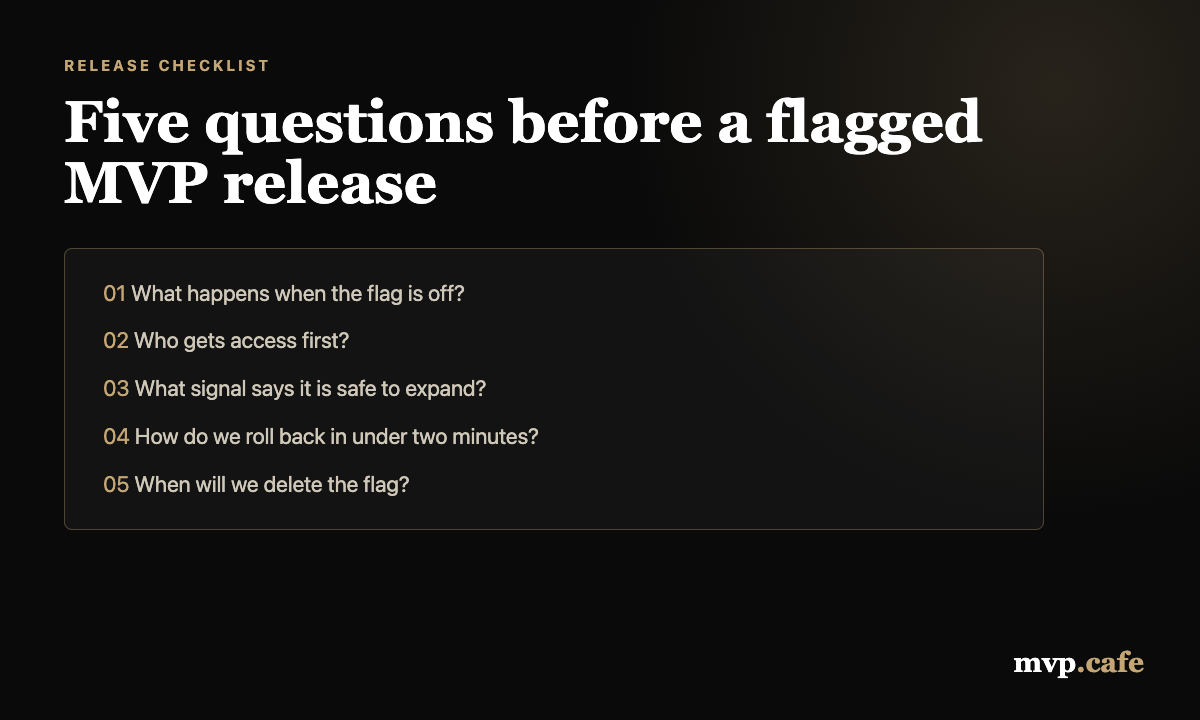
Before you put a feature behind a flag, answer these five questions:
- What happens when the flag is off?
- Who gets access first?
- What signal tells us it is safe to expand?
- How do we roll back in under two minutes?
- When will we delete the flag?
That last question matters more than people think.
Flags are easy to add and awkward to remove. Every old flag increases the chance that future-you breaks something because old and new behavior still coexist in weird corners of the app.
The Biggest Win: Cleaner Product Decisions
The real value of feature flags is not technical. It is decision quality.
Without flags, every release feels binary: ship or wait.
With flags, you can make smaller decisions:
- Ship the code but keep it hidden
- Show it only to yourself
- Show it to one pilot user
- Expand to a small segment
- Turn it off without redeploying
- Remove the old path once the new one is stable
This matters because most MVP decisions are made under uncertainty. You do not need a perfect roadmap. You need a way to learn without taking the whole product down.
A Practical Rule
If a feature changes how users enter, pay, create, save, share, or trust your product, put it behind a flag.
If it is just polish, ship it.
Your MVP does not need a complex release platform. It needs a few deliberate switches that let you move fast without turning every deploy into a coin toss.
Run the Build Score if you want a quick pressure test on what should be built now, what should be flagged, and what can safely wait.