
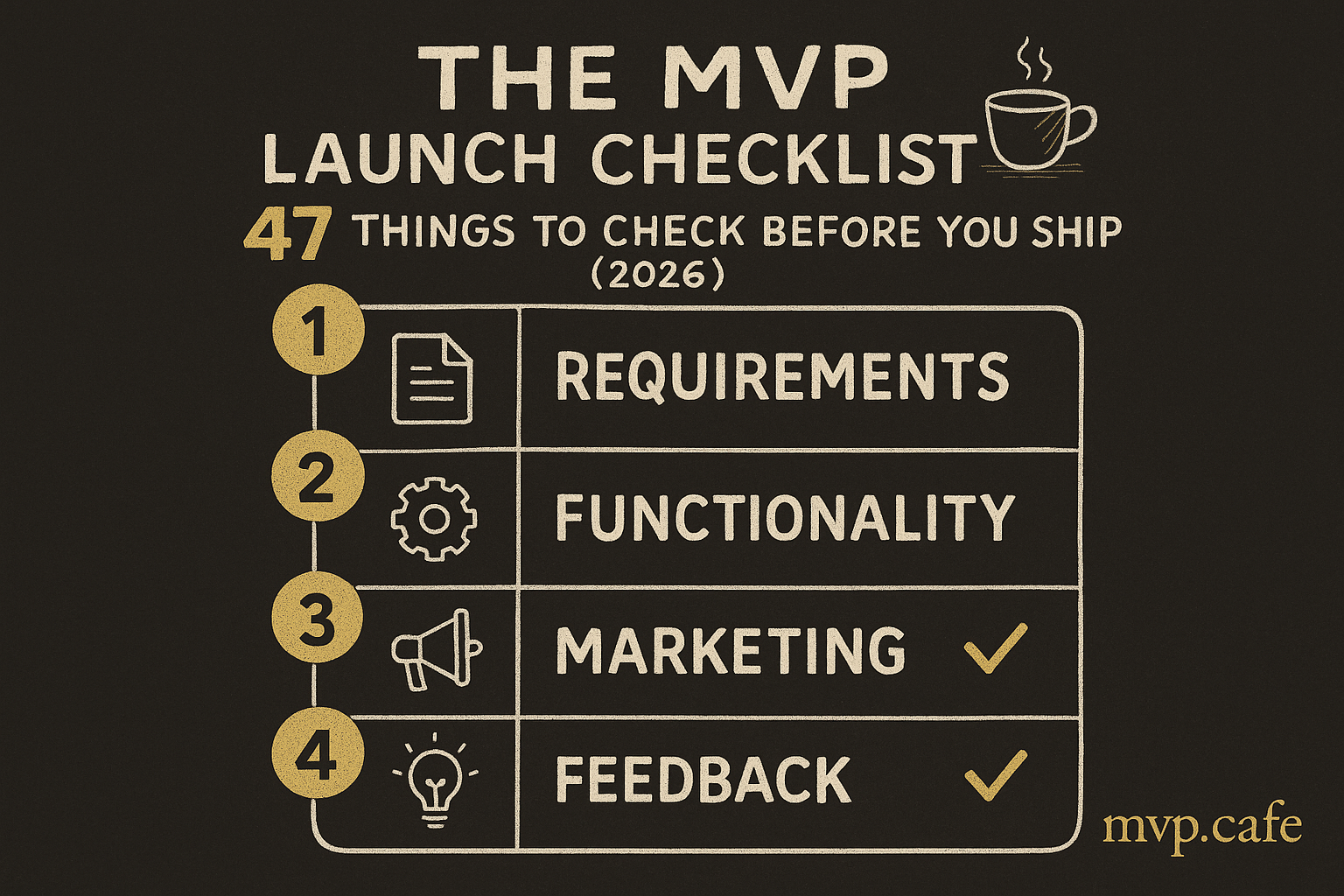
The MVP Launch Checklist: 47 Things to Check Before You Ship
You’ve built the thing. It works on your machine. You’re ready to share it with the world.
Not so fast.
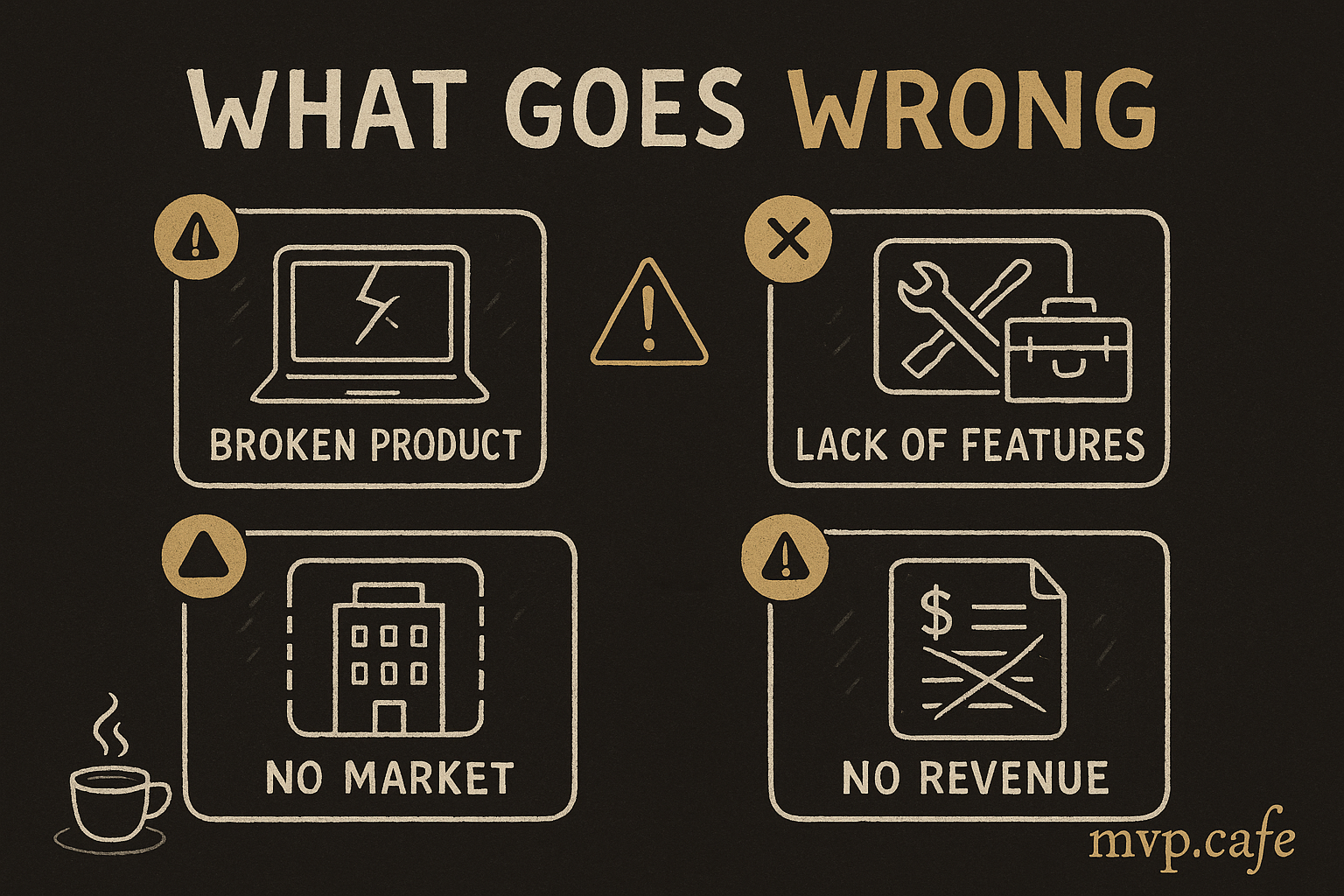
The gap between “it works” and “it’s ready for users” has caught more founders than any competitor ever has. This checklist exists because I’ve seen every one of these items bite someone after launch.
You don’t need all 47 on day one. But you need to consciously decide which ones you’re skipping and why.
🔐 Authentication & Security (8 items)
- 1. Auth works end-to-end. Sign up → email verification → login → password reset. Test the full flow on a fresh browser.
- 2. Passwords are hashed. If you’re storing plaintext passwords, stop everything and fix this. Use bcrypt or argon2.
- 3. HTTPS everywhere. No exceptions. Free via Let’s Encrypt or your hosting provider.
- 4. Environment variables are secured. No API keys in your GitHub repo. Check your commit history — keys you committed 3 months ago are still exposed.
- 5. Rate limiting on auth endpoints. Without this, someone can brute-force your login page. Basic rate limiting takes 10 minutes to add.
- 6. CORS is configured correctly. Your API should only accept requests from your domain, not from anywhere.
- 7. Input validation on all forms. SQL injection and XSS are still the most common attack vectors. Sanitize everything.
- 8. Session/token expiry works. Tokens should expire. Logout should actually clear the session. Test this.
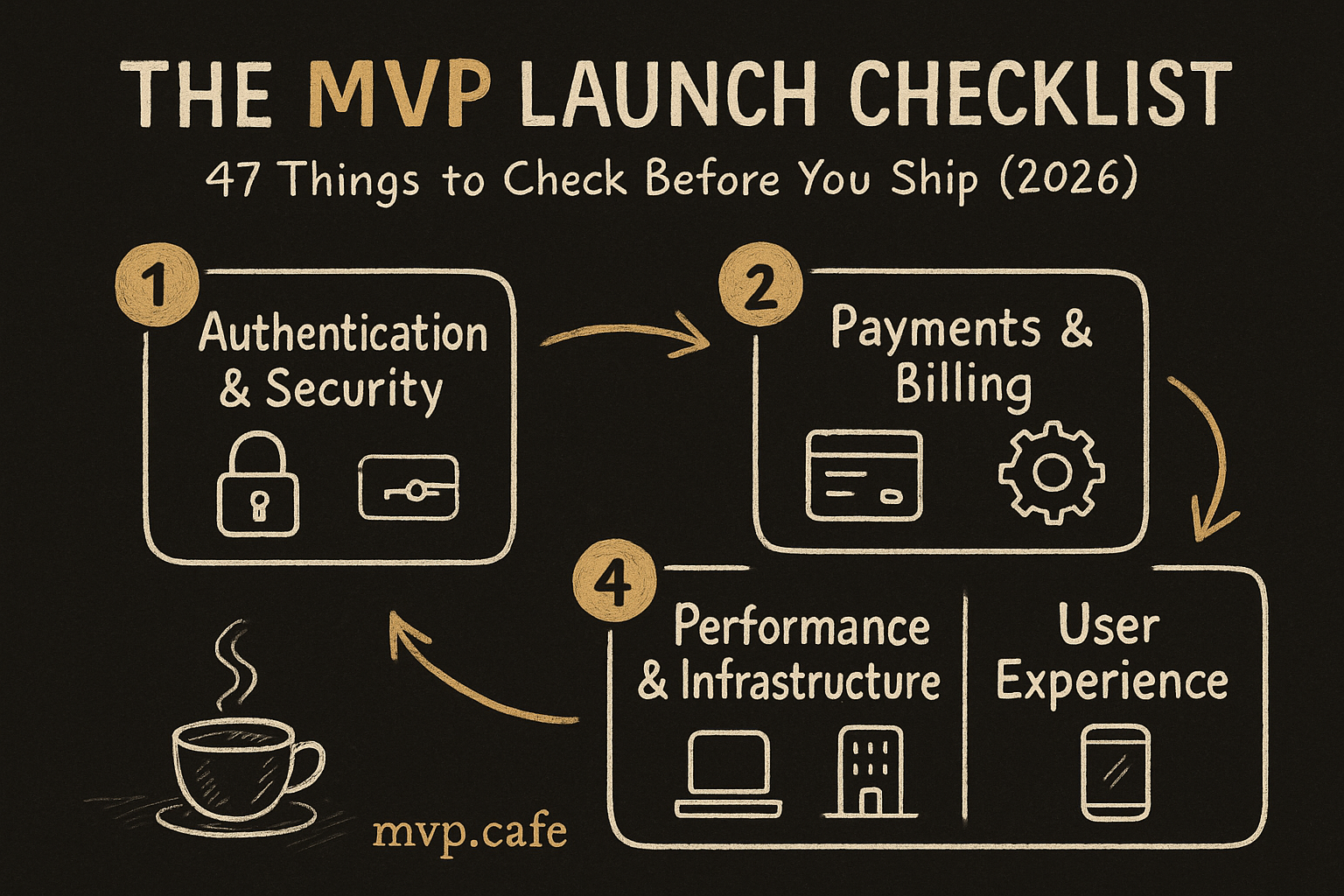
💳 Payments & Billing (7 items)
- 9. Stripe/payment integration tested with real cards. Test mode is not enough. Do a real $1 charge and refund it.
- 10. Webhook handling is bulletproof. Stripe webhooks fail. Your app should handle retries, duplicates, and out-of-order events.
- 11. Failed payment flow works. What happens when a card declines? Users should see a clear message, not a blank screen.
- 12. Subscription lifecycle handles edge cases. Upgrades, downgrades, cancellations, refunds, card expiry. Test each one.
- 13. Receipts/invoices are sent. Users expect email confirmation when they pay. Stripe can automate this.
- 14. Pricing page matches actual charges. Sounds obvious. I’ve seen it wrong more times than I’d like to admit.
- 15. Tax handling is addressed. At minimum, know your obligations. Stripe Tax or a tool like Paddle can handle this.
🚀 Performance & Infrastructure (8 items)
- 16. Page loads in under 3 seconds. Test on real mobile connections, not your gigabit home WiFi. Use PageSpeed Insights.
- 17. Database has proper indexes. That query that takes 50ms now will take 5 seconds with 10K rows. Add indexes on columns you filter/sort by.
- 18. Images are optimized. Use WebP, lazy loading, and a CDN. A single unoptimized hero image can add 3 seconds to load time.
- 19. Error handling exists. Users should never see a stack trace. Catch errors, show friendly messages, log the details.
- 20. Monitoring is set up. At minimum: uptime monitoring (free via UptimeRobot) and error tracking (Sentry free tier). You need to know when things break before users tell you.
- 21. Backups are configured. Database backup. Test restoring from it. “We’ll add backups later” is how you lose all customer data.
- 22. Logging exists. When something breaks at 2 AM, logs are how you figure out why. Structured logging > console.log.
- 23. Can handle 10x your expected day-one traffic. Hacker News hug of death is real. Even a small spike shouldn’t crash your app.
📱 User Experience (7 items)
- 24. Works on mobile. Actually test on a real phone. Responsive design in DevTools lies to you.
- 25. Works across browsers. Chrome, Safari, Firefox at minimum. Edge if you’re thorough.
- 26. Loading states exist. Every action that takes >200ms needs a loading indicator. Users assume broken = no feedback.
- 27. Empty states are designed. What does the dashboard look like with zero data? New users see this first. Make it helpful, not blank.
- 28. Error messages are human-readable. “Error 500” helps nobody. “Something went wrong, try again” is bare minimum. Contextual errors are ideal.
- 29. Onboarding flow exists. New users need to reach their “aha moment” fast. Don’t dump them on an empty dashboard and hope for the best.
- 30. Core user flow tested by someone who isn’t you. Watch someone who’s never seen your app try to accomplish the main task. You’ll find 5 issues in 5 minutes.
📊 Analytics & Tracking (5 items)
- 31. Analytics installed. Google Analytics, Plausible, PostHog — pick one. You need to know who’s coming, from where, and what they’re doing.
- 32. Conversion events tracked. Sign up, key feature usage, payment. If you can’t measure it, you can’t improve it.
- 33. UTM parameters work. When you start marketing, you need to know which channels convert. Set this up before launch, not after.
- 34. Error rates tracked. 4xx and 5xx responses, client-side errors. Know your error rate from day one.
- 35. Core metrics defined. What’s your North Star metric? Daily active users? Revenue? Activation rate? Pick one and instrument it.
⚖️ Legal & Compliance (5 items)
- 36. Privacy Policy exists. You’re collecting user data. You need a privacy policy. Use a generator if needed, but have one.
- 37. Terms of Service exist. Especially if users are paying you money.
- 38. Cookie consent (if needed). If you serve EU users and use analytics/tracking cookies, you need consent. GDPR is real.
- 39. Data deletion is possible. Users should be able to delete their account and data. GDPR requires this. It’s also just good practice.
- 40. Contact information is findable. An email address at minimum. Users need to be able to reach you.
📣 Launch Strategy (7 items)
- 41. Landing page converts. Clear value prop, social proof (even early testimonials), and one obvious CTA. Test with 5 people.
- 42. Launch channels identified. Where are your users? Product Hunt? HN? Reddit? Twitter? LinkedIn? Pick 2-3, go deep.
- 43. Launch day content prepared. Blog post, social posts, email to your waitlist. Write these before launch day, not during.
- 44. Feedback collection mechanism exists. In-app widget, email, form — make it trivially easy for early users to tell you what’s broken.
- 45. Support channel defined. Email? Chat? Discord? Users will have questions. Know where they’ll reach you.
- 46. First 48 hours planned. Be available. Respond fast. First users who report bugs and get quick fixes become your biggest advocates.
- 47. Post-launch metrics review scheduled. Set a calendar reminder for 1 week post-launch to review data and decide next steps.
How to Use This Checklist
Not everything is required on day one. Here’s how to prioritize:
🔴 Must have before any real users: Items 1-8 (security), 9-11 (basic payments), 16, 19-21, 24, 30, 36-37
🟡 Should have within first week: Items 12-15, 17-18, 22-23, 25-29, 31-35, 41-47
🟢 Nice to have, add as you grow: Items 38-40 (if not in EU market initially)
The Meta-Lesson
Shipping an MVP isn’t about having everything perfect. It’s about knowing what you’re shipping without and making that a conscious choice.
The founders who crash post-launch aren’t the ones who skipped items — they’re the ones who didn’t know they were skipping them.
Need Help Planning Your Launch?
If looking at this list makes you realize your “MVP” has gaps, that’s the point. Better to know now than after users find out.
The Build Score assessment maps your idea against common failure points for free. And if you need hands-on help getting from “almost done” to “actually launched,” the Strategy Sprint is built exactly for that.
FAQ
Do I really need all 47 items?
No. Read the prioritization section. Security and basic UX are non-negotiable. Everything else is a judgment call based on your product, market, and risk tolerance.
I’m using a no-code tool. Does this still apply?
Mostly yes. No-code handles some items automatically (hosting, basic security), but you still need to think about auth flows, payments, analytics, legal, and launch strategy.
How long should I spend on this checklist before launching?
If your MVP is built, 1-2 weeks to go through the “must have” items. If it takes longer than that, you might be over-building your MVP.
What’s the single most important item?
Item 30: Have someone who isn’t you test the core user flow. Everything else can be fixed. Building something nobody can figure out how to use cannot.