
Replit to Production: The Complete Guide for 2026
Replit is the fastest way to go from zero to a running app. Between Replit Agent, Ghostwriter, and the built-in hosting, you can have something live in hours. But “live on Replit” and “production-ready” are two very different things. Based on our experience with 45+ product builds and multiple Replit-originated rescues, the average Replit prototype needs 80-120 hours of work to become production infrastructure.
That’s not a criticism of Replit — it’s genuinely excellent for prototyping and learning. But the gap between “it runs” and “it runs reliably for paying users” is real, specific, and predictable.
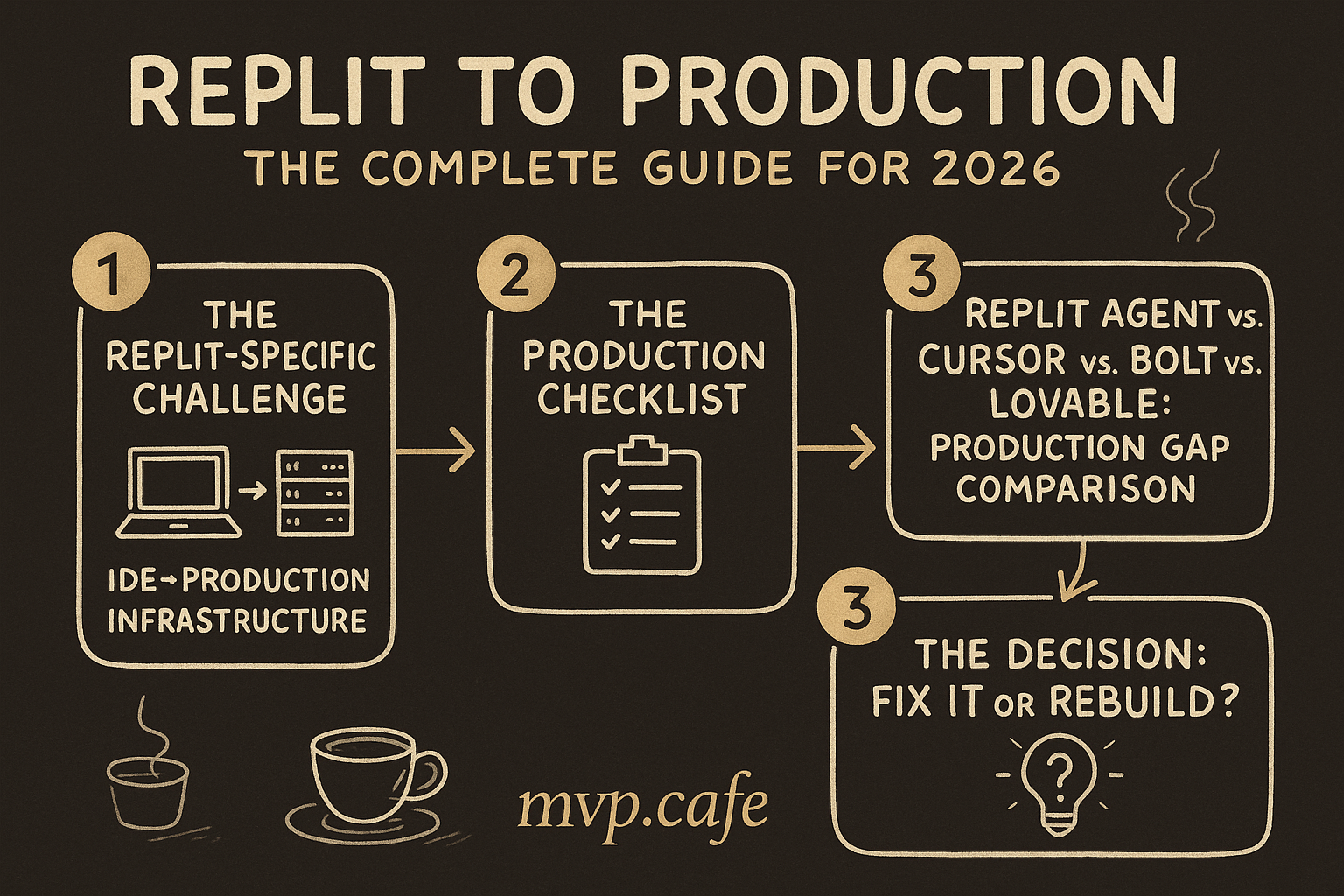
The Replit-Specific Challenge: IDE → Production Infrastructure
When you build on Replit, your app runs inside Replit’s managed environment. This gives you superpowers during development:
- Instant hosting — Click “Run” and your app is live at a
.replit.appURL - Built-in database — Replit DB gives you key-value storage out of the box
- No setup — No local environment, no Docker, no deployment pipeline
- Replit Agent — AI that scaffolds entire apps from natural language prompts
But production requires things Replit’s environment doesn’t prioritize:
1. Cold Starts and Reliability
Replit’s free and Hacker plans spin down your app after inactivity. When a user hits your URL, there’s a 5-30 second cold start while the container wakes up. For a portfolio project, that’s fine. For a SaaS product where a user clicks “Sign Up” and waits 15 seconds for the page to load — that’s a 60%+ bounce rate.
Even on paid plans, Replit hosting isn’t designed for production SLAs. There’s no guaranteed uptime, no redundancy, no auto-scaling. Your app runs on a single container. If it crashes, it restarts — eventually.
The fix: Deploy to a proper hosting provider. For most Replit apps (Node.js/Python/Flask):
- Railway — Closest experience to Replit, $5/month starting
- Render — Free tier for static, $7/month for services
- Vercel (if frontend-heavy) — Free tier is generous
- Fly.io — If you need geographic distribution
2. Database Migration
Replit DB is a key-value store. It’s convenient but not a real database. No relations, no queries beyond key lookup, no backups, no migrations.
If your app has users, orders, content, or anything relational — you need a real database.
Common migration paths:
- Replit DB → Supabase (PostgreSQL): Best for most apps. Free tier, real SQL, built-in auth, row-level security.
- Replit DB → PlanetScale (MySQL): Good for apps that need horizontal scaling eventually.
- Replit DB → MongoDB Atlas: If your data is genuinely document-shaped (most isn’t).
Migration steps:
- Export all Replit DB keys to JSON
- Design a proper schema with relations and constraints
- Write a migration script to transform key-value pairs into relational rows
- Set up the production database with proper indexes
- Update all database calls in your code (this is the painful part — usually 20-40 files)
3. Environment Variables and Secrets
Replit Secrets work during development. But they’re tied to Replit’s environment. When you deploy elsewhere, you need to:
- Move all secrets to your hosting provider’s env var system
- Check that no secrets are hardcoded in your code (Replit Agent sometimes does this)
- Set up different env vars for development vs. staging vs. production
- Rotate any API keys that were ever visible in the Replit editor (if your Repl was public)
Critical check: If your Repl was ever public (Replit defaults to public), assume all secrets in your code history are compromised. Rotate every API key, database password, and JWT secret.
4. Replit Agent Code Quality
Replit Agent is impressive for scaffolding. But the code it generates has consistent patterns that break in production:
No error handling. Agent-generated code assumes the happy path. Database calls don’t handle connection failures. API calls don’t handle timeouts. File operations don’t handle missing files.
Global state. Agent often uses global variables and module-level state. This works in a single-process Replit environment but causes bugs when your app runs behind a load balancer or restarts.
No input validation. Forms accept whatever the user types. SQL injection, XSS, and type errors are common in Agent-generated code.
Monolithic structure. Agent tends to put everything in one or two files. A 2,000-line main.py or index.js is fine for prototyping but unmaintainable for production.
The Production Checklist
Security (Do These First)
- Authentication audit. If using Replit Auth, migrate to a proper auth system (Clerk, Auth0, Supabase Auth, or NextAuth). Replit Auth only works on Replit-hosted apps.
- Input validation on every endpoint. Use Zod (TypeScript) or Pydantic (Python). Every form field, every API parameter.
- SQL injection check. Search your codebase for string concatenation in database queries. Replace with parameterized queries.
- CORS configuration. Replit’s permissive CORS settings won’t apply on your production host. Configure allowed origins explicitly.
- Rate limiting. Add rate limiting to auth endpoints and any public API. Without it, one script kiddie can DDoS you or brute-force passwords.
- HTTPS only. Replit handles this automatically. On your own hosting, verify SSL is configured and HTTP redirects to HTTPS.
- Secret rotation. If your Repl was ever public, rotate ALL secrets. No exceptions.
Performance (Do These Before Launch)
- Database indexing. Add indexes on columns you query frequently. Replit DB had no indexes — your new database needs them.
- Query optimization. Replit Agent loves N+1 queries. For each list page, check if you’re firing one query per item. Use JOINs or batch queries.
- Asset optimization. Compress images, minify CSS/JS, set cache headers. Replit’s CDN handled some of this — now it’s your job.
- Connection pooling. Don’t open a new database connection per request. Use a connection pool (pgBouncer for PostgreSQL, built into most ORMs).
Reliability (Do These Within Week 1)
- Error monitoring. Add Sentry or LogRocket. In production, console.log doesn’t help you — you need real error tracking.
- Health check endpoint. A
/healthroute that returns 200 if the app is alive. Your hosting provider uses this for restart logic. - Automated backups. Set up daily database backups. Supabase does this automatically. If self-hosting, configure pg_dump or equivalent on a cron.
- CI/CD pipeline. Push to GitHub → run tests → deploy. No more “I’ll just click Run.” GitHub Actions + your hosting provider handles this for free.
Replit Agent vs. Cursor vs. Bolt vs. Lovable: Production Gap Comparison
| Factor | Replit | Cursor | Bolt | Lovable |
|---|---|---|---|---|
| Typical prototype-to-production hours | 80-120 | 60-100 | 100-150 | 70-110 |
| Biggest gap | Hosting + DB migration | Architecture + testing | WebContainer → server | Component quality + backend |
| Auth migration needed? | Yes (Replit Auth → real auth) | Usually no | Depends | Depends |
| Database migration needed? | Always (Replit DB → SQL) | Sometimes | Always | Sometimes |
| Code quality | Variable (Agent = lower) | Higher (local IDE) | Lower (WebContainer limits) | Medium (component-heavy) |
| Deployment complexity | Medium (need to leave Replit) | Low (already local) | High (need full export) | Medium |
Replit’s production gap is medium-sized — bigger than Cursor (because Cursor code already runs locally) but smaller than Bolt (because at least Replit generates real server-side code, not WebContainer simulations).
The Decision: Fix It or Rebuild?
Fix it if:
- Your app has fewer than 20 screens/routes
- Core logic works, just needs hardening
- You’ve been iterating for less than 3 months
- Your Replit Agent interactions were focused and specific
Rebuild if:
- The codebase is a single file over 1,500 lines
- You’ve been asking Agent to “fix the bug” in circles for weeks
- There’s no clear separation between frontend and backend
- Multiple users report different data corruption issues
The honest math: Fixing a Replit prototype typically costs 80-120 hours. Rebuilding with proper architecture (using the prototype as a spec) typically costs 100-160 hours. If you’re past 60 hours of fixes and still finding fundamental issues, rebuilding is cheaper.
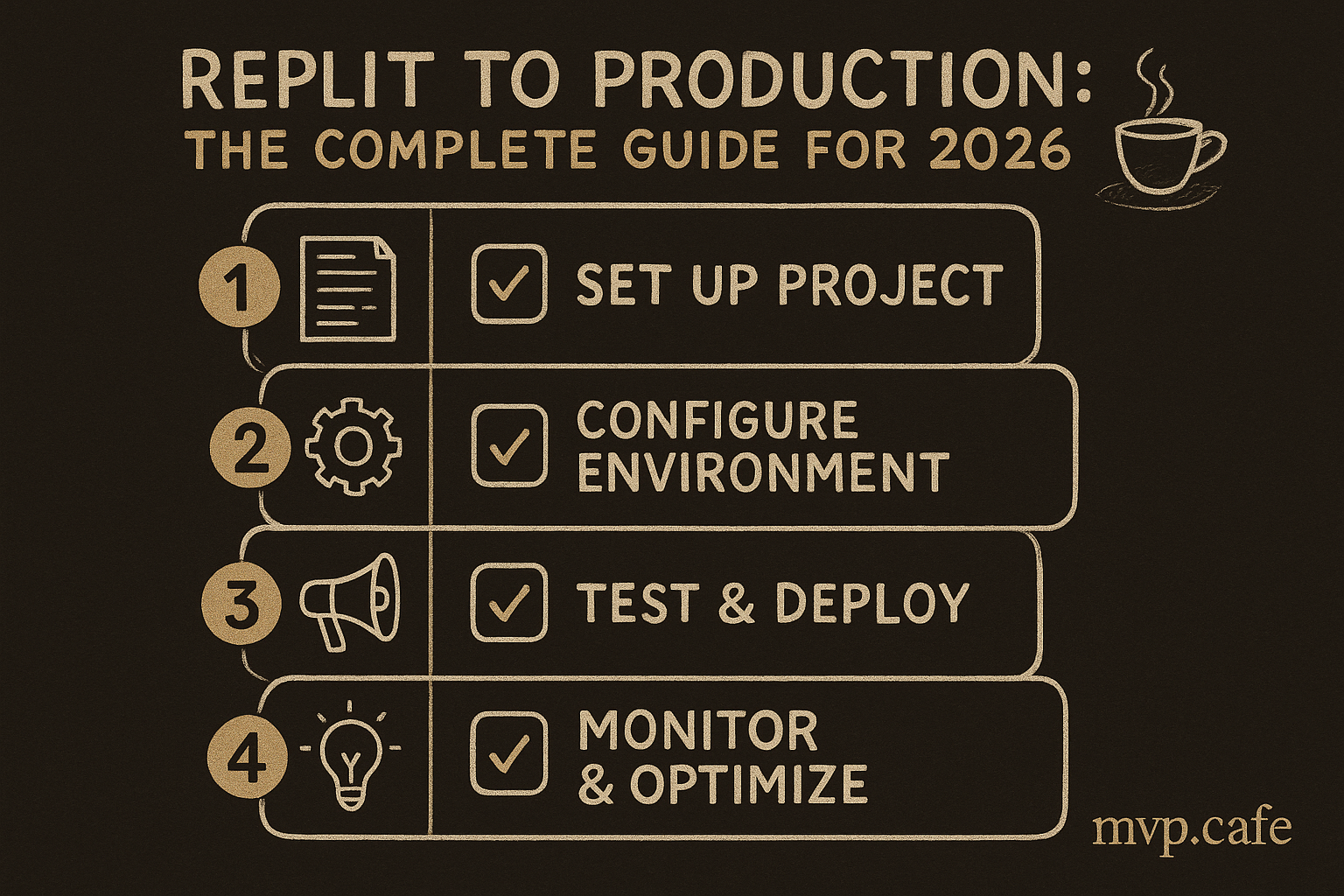
Step-by-Step: Replit to Production in 2 Weeks
Week 1: Foundation
Day 1-2: Audit
- Map every route, database table, and external API call
- Identify all Replit-specific dependencies (Replit Auth, Replit DB, .replit config)
- List every secret/env var
- Run a security scan (npm audit, pip audit, or Snyk)
Day 3-4: Database migration
- Design proper schema
- Set up Supabase/PlanetScale
- Write and run migration scripts
- Update all database calls in code
Day 5: Auth migration
- Replace Replit Auth with Clerk/Supabase Auth/NextAuth
- Test signup, login, password reset, session management
- Verify existing users can still log in (if you have any)
Week 2: Hardening
Day 6-7: Security
- Input validation on every endpoint
- Rate limiting
- CORS configuration
- Secret rotation
Day 8-9: Deployment
- Set up GitHub repo with CI/CD
- Deploy to Railway/Render/Vercel
- Configure custom domain
- SSL verification
Day 10: Monitoring + Launch
- Add Sentry for error tracking
- Set up database backups
- Health check endpoint
- Smoke test every critical user flow
- Launch
When to Get Help
The Replit-to-production path is doable solo if you have backend experience. If you’re a non-technical founder or a frontend developer who used Replit Agent to generate the backend — the database migration and security hardening alone can eat a month.
Signs you need help:
- You’ve spent 3+ weeks trying to deploy and it still doesn’t work
- Users are reporting data issues you can’t reproduce
- You’re not sure if your app is secure (it probably isn’t)
- The phrase “it works on Replit but not on Railway” describes your last 2 weeks
At mvp.cafe, we’ve taken multiple Replit-built apps to production. The Strategy Sprint ($197) gives you a production roadmap in one week — every security hole documented, every migration step planned, every deployment decision made. You leave knowing exactly what to do and in what order.
Take the Build Score → — free, 3 minutes. Find out where your Replit app stands.
FAQ
Q: Can I just stay on Replit hosting? For a side project or internal tool? Sure. For a product with paying users? No. Replit hosting lacks uptime guarantees, auto-scaling, and the deployment controls production apps need. It’s also more expensive than alternatives once you need always-on containers.
Q: Will Replit Deployments fix these issues? Replit’s Deployments feature (separate from the dev environment) addresses cold starts and uptime for paid plans. But it doesn’t fix database limitations, code quality issues, or security gaps. It’s hosting, not production-readiness.
Q: I used Replit Agent — is my code salvageable? Usually yes. Agent generates working code with predictable patterns. The fixes are mechanical: add error handling, add input validation, restructure into modules, migrate the database. It’s tedious but not technically hard.
Q: How do I know if my app is secure enough?
If you’re asking, it probably isn’t. At minimum: run npm audit or pip audit, check for hardcoded secrets, verify you’re using parameterized queries, and add rate limiting to auth endpoints. For a real audit, get a professional to look at it.
Q: What’s the cheapest way to go from Replit to production? Supabase (free tier for database + auth) + Vercel or Render (free tier for hosting) + GitHub (free for CI/CD). Total cost: $0/month until you hit meaningful traffic. The time cost is the real expense — budget 80-120 hours.