
Introduction to CI/CD for MVPs
Imagine you’re a solo founder in 2026, multitasking between developing your product and ensuring deployments run smoothly. CI/CD—Continuous Integration and Continuous Deployment—might just be your secret weapon. It’s all about taking the grunt work out of the equation by automating code integration, running tests, and deploying with ease.
Now, CI/CD is more than just tech jargon. For startups, it’s a lifeline, ensuring your MVP gets those crucial, rapid updates without the manual headache. Fast forward to 2026, and you’ve got no-code and low-code tools reshaping how CI/CD is done. These tools let you focus on building instead of getting bogged down with debugging.
Implementing CI/CD can speed up your MVP development, making it a smoother and more reliable process. If you’re thinking, “But I don’t have a DevOps team,” you’ve come to the right place. [INLINE IMAGE: framework — Diagram of CI/CD process for MVPs]
What No-Code and Low-Code Tools Do Well
No-code and low-code tools are game-changers for founders without a tech background diving into CI/CD. Think about setting up a CI/CD pipeline without writing a single line of code. Tools like Zapier, Integromat, and Retool make that dream a reality.
These platforms offer user-friendly interfaces, allowing you to drag and drop elements to create workflows. The perks? Saving time and minimizing errors—two essentials for any startup. Plus, they seamlessly integrate with your existing MVP projects, turning scattered parts into a unified whole.
Take UTMStamp, for instance, where modern automation tools turned a tedious task into a breeze. [INLINE IMAGE: callout — List of top no-code CI/CD tools in 2026] Want more on these tools? Check out our no-code and low-code tools blog.
Where No-Code Tools Might Fall Short
But hey, no-code tools aren’t perfect. Scaling big? You might hit some roadblocks. Customization can be limited, and security—an absolute must—is another concern.
Take UTMStamp again—a great case study showing these challenges. Automation was a savior, but we learned a lot about keeping things flexible and boosting security protocols.
Interested in how we tackled these hurdles? Visit our UTMStamp case study.
Migration Checklist for Setting Up CI/CD
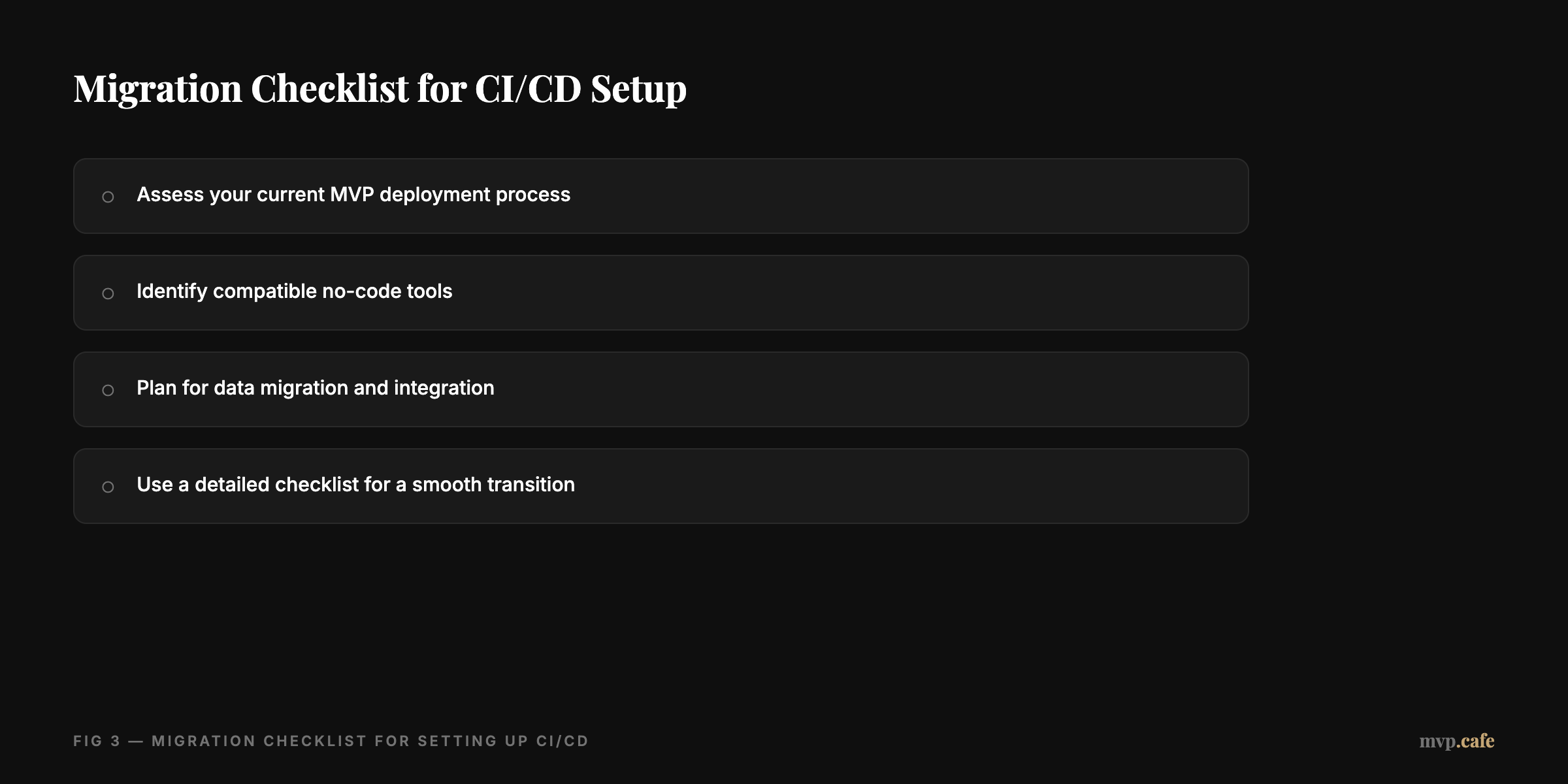
Thinking of switching to a no-code CI/CD pipeline? Here’s a checklist to steer you right.
- Assess your current MVP deployment process. Know your baseline before making shifts.
- Identify compatible no-code tools. Make sure they gel well with your tech stack.
- Plan for data migration and integration. A clear plan helps avoid last-minute chaos.
- Use a detailed checklist for a smooth transition.
Switching can be intimidating, but with the right prep, you’ll sail through it.
Step-by-Step Guide to Setting Up Your CI/CD Pipeline
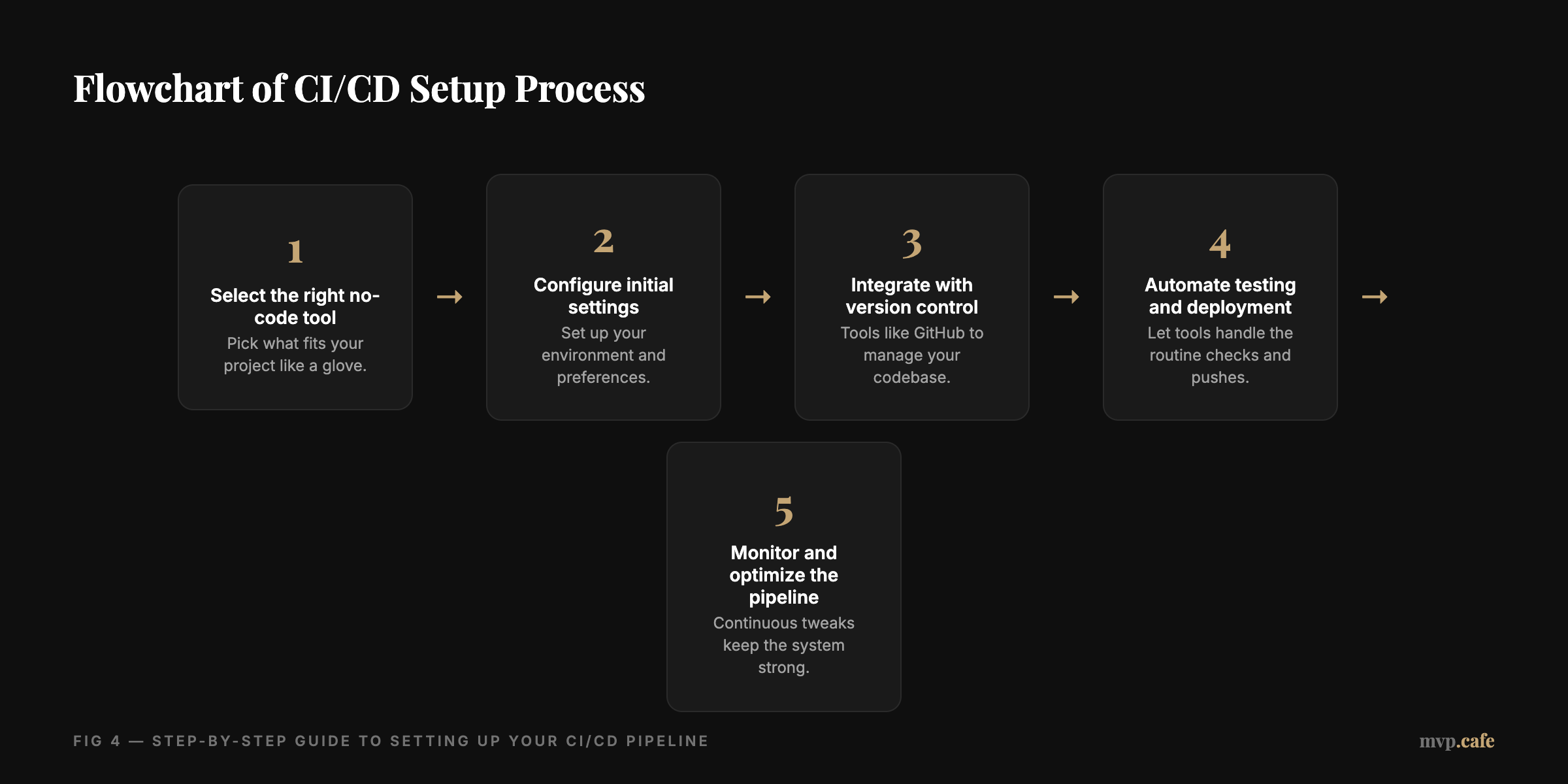
Ready to jump into setting up your CI/CD pipeline? Here’s how even without DevOps chops.
- Select the right no-code tool. Pick what fits your project like a glove.
- Configure initial settings. Set up your environment and preferences.
- Integrate with version control. Tools like GitHub to manage your codebase.
- Automate testing and deployment. Let tools handle the routine checks and pushes.
- Monitor and optimize the pipeline. Continuous tweaks keep the system strong. [INLINE IMAGE: data-viz — Flowchart of CI/CD setup process]
This guide is here to empower you, no matter where your tech skills lie.
Common Pitfalls and How to Avoid Them
Even with no-code tools, watch out for pitfalls. Leaning too much on automation can make you complacent. Security best practices might slip in the rush to deploy. And without adequate testing, bugs might be lurking around.
Avoid all this by keeping a close eye and gathering feedback. Remember, staying proactive keeps your CI/CD pipeline rock-solid. [INLINE IMAGE: callout — Tips for avoiding common CI/CD pitfalls]
Ready to explore more? Dive into how we can build a full MVP with integrated CI/CD pipelines tailored just for you. In 2026, the tools are all there—time to use them to your advantage.