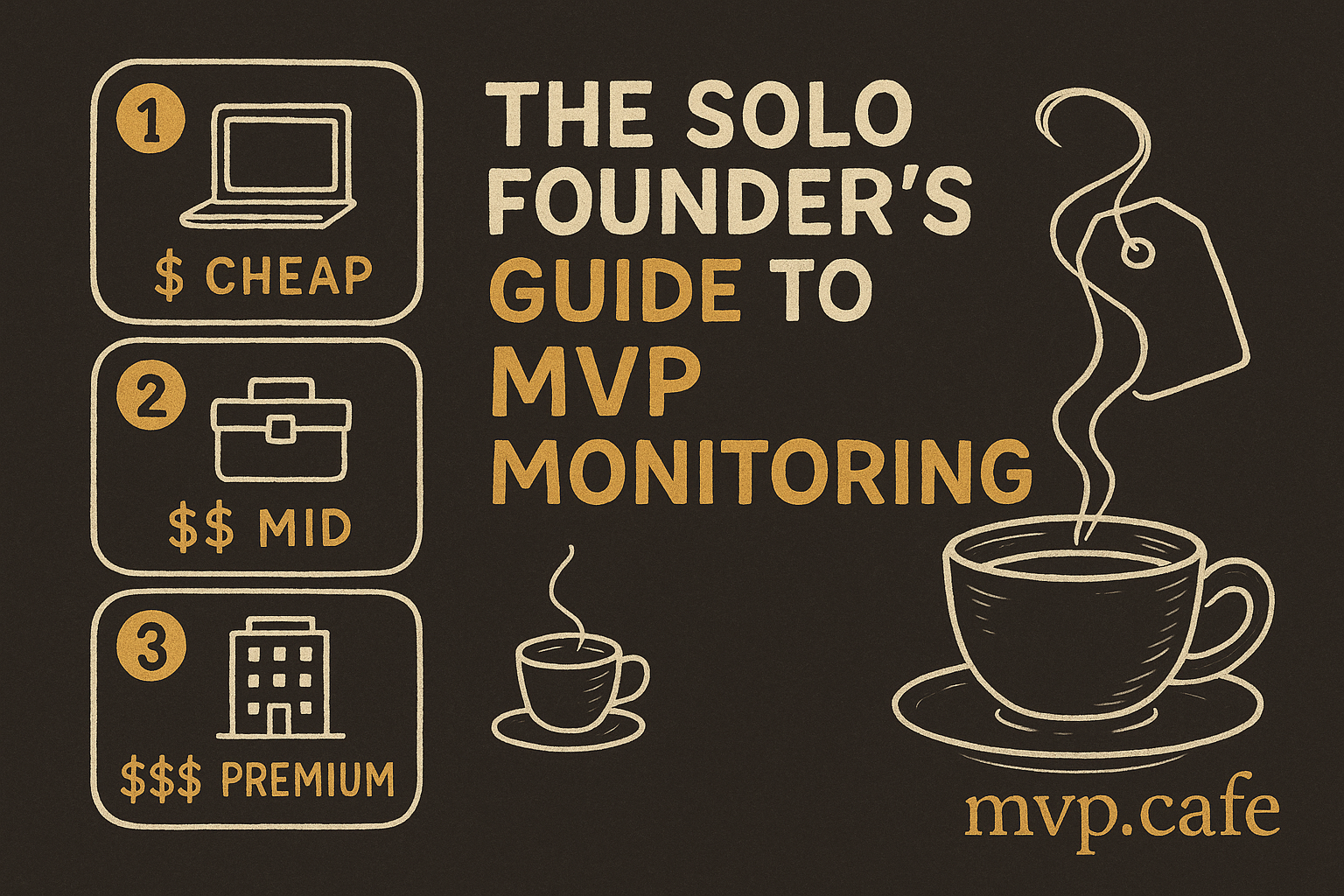
Introduction to MVP Monitoring for Solo Founders
Picture this: you’ve just launched your MVP, and out of nowhere, it’s down. Total nightmare, right? That’s why MVP monitoring is a must-have, especially when you’re flying solo. It’s your safety net to ensure your product is ticking along nicely and remains accessible. But, there’s a catch—monitoring can get pricey and complicated. For solo folks like us, that’s a real bump in the road.
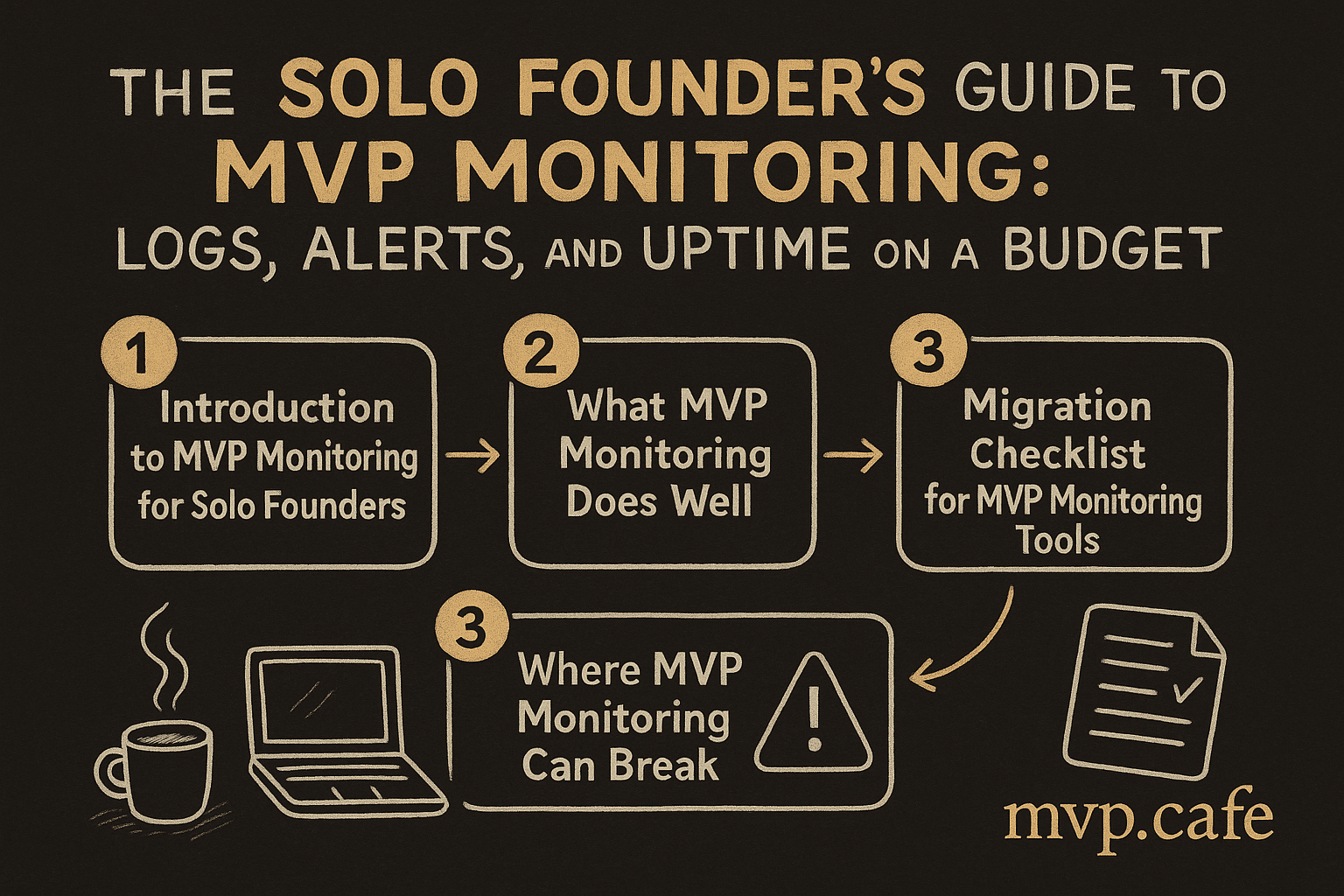
Thankfully, there are affordable MVP monitoring tools that can keep your product in check without breaking the bank. Many solo founders often face challenges with limited resources and time. But, with the right tools, you can keep your MVP in top shape. Let’s explore some practical strategies and tools to keep your MVP humming smoothly and on budget.
What MVP Monitoring Does Well
MVP monitoring isn’t just about keeping your product live. It’s about ensuring it runs well and stays up. With solid monitoring, you catch issues before they blow up into big problems. This means you can fix them pronto, saving time and cash.
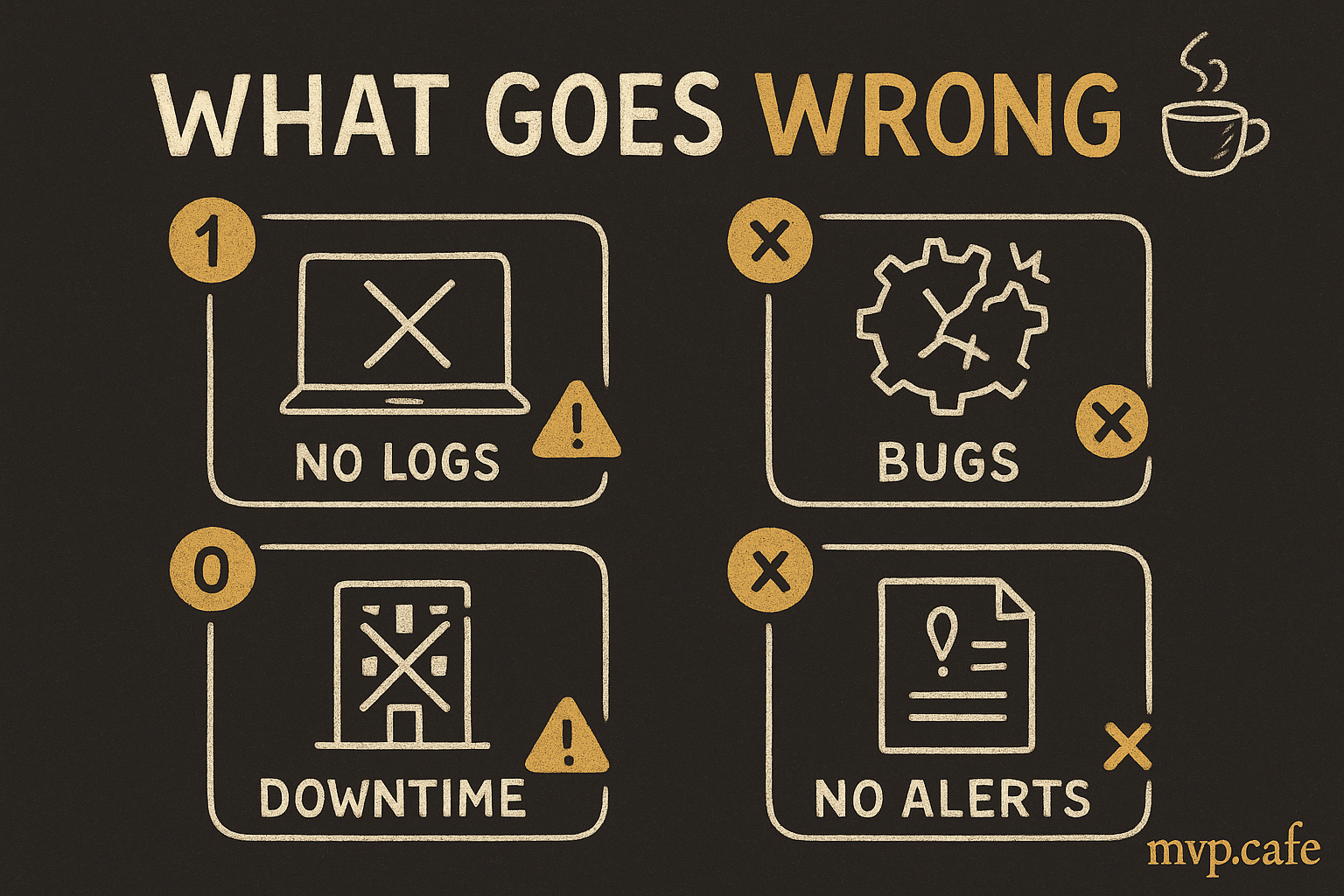
Plus, monitoring arms you with data to make smarter decisions. Dive into logs and alerts, and you get a better grip on how your product is performing. This insight? It’s gold. You can tweak and optimize your MVP based on actual data, not just guesswork.
[INLINE IMAGE: callout — Key benefits of MVP monitoring]
Where MVP Monitoring Can Break
Let’s be real—not all monitoring tools are built the same. Going for cheap options might bring its own headaches. Common issues? Limited scalability. As your MVP grows, so will your monitoring needs. Budget tools might not cut it.
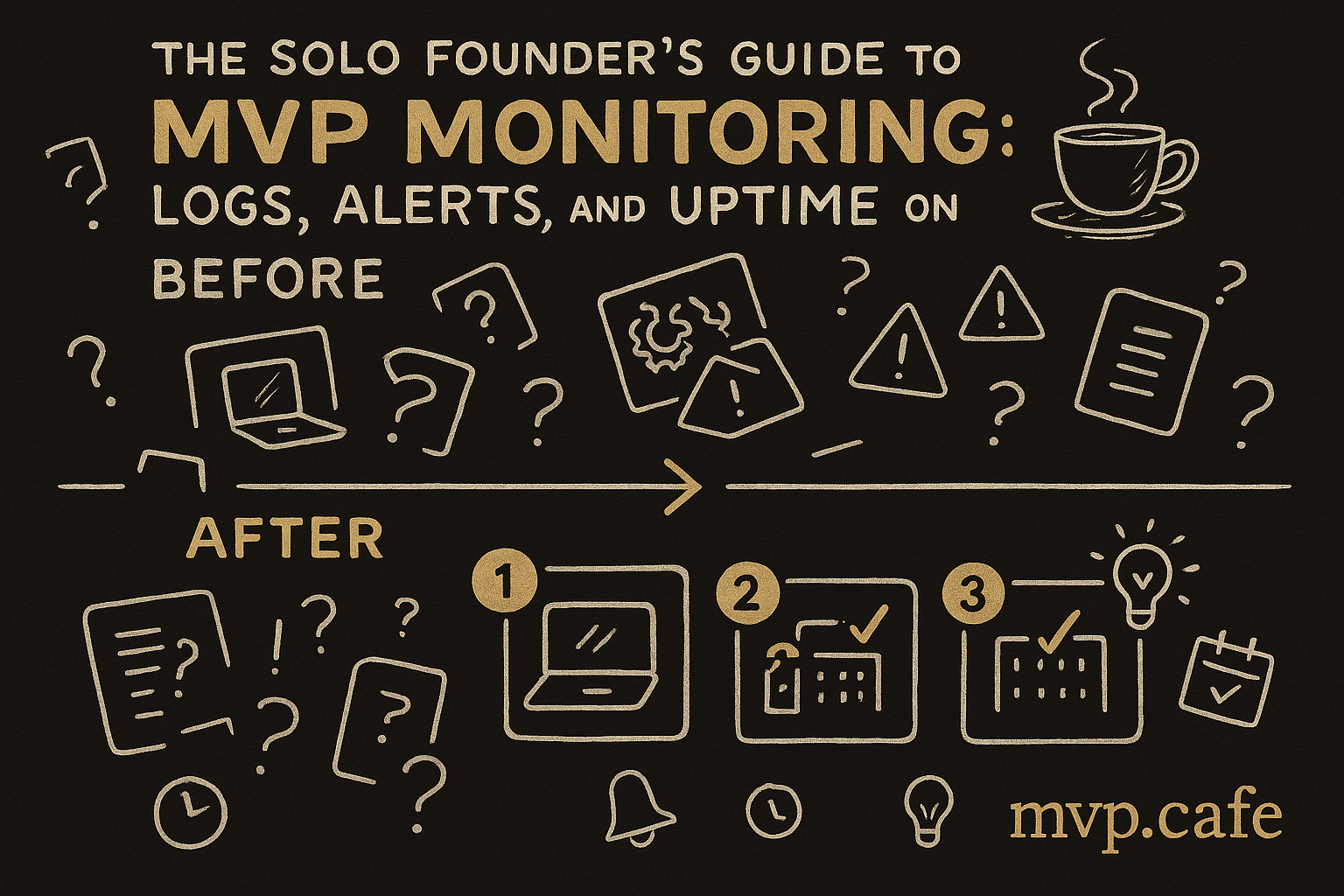
There’s also the risk of false positives and alert fatigue. If you’re hit with too many alerts, especially unnecessary ones, you might miss the crucial ones. Overwhelming, right? It’s key to pick tools that strike the right balance between cost and functionality.
Migration Checklist for MVP Monitoring Tools
Switching up your monitoring tools doesn’t need to be a nightmare. First things first, check your current monitoring needs. What’s working? What’s not? This’ll guide you to choose new tools wisely.
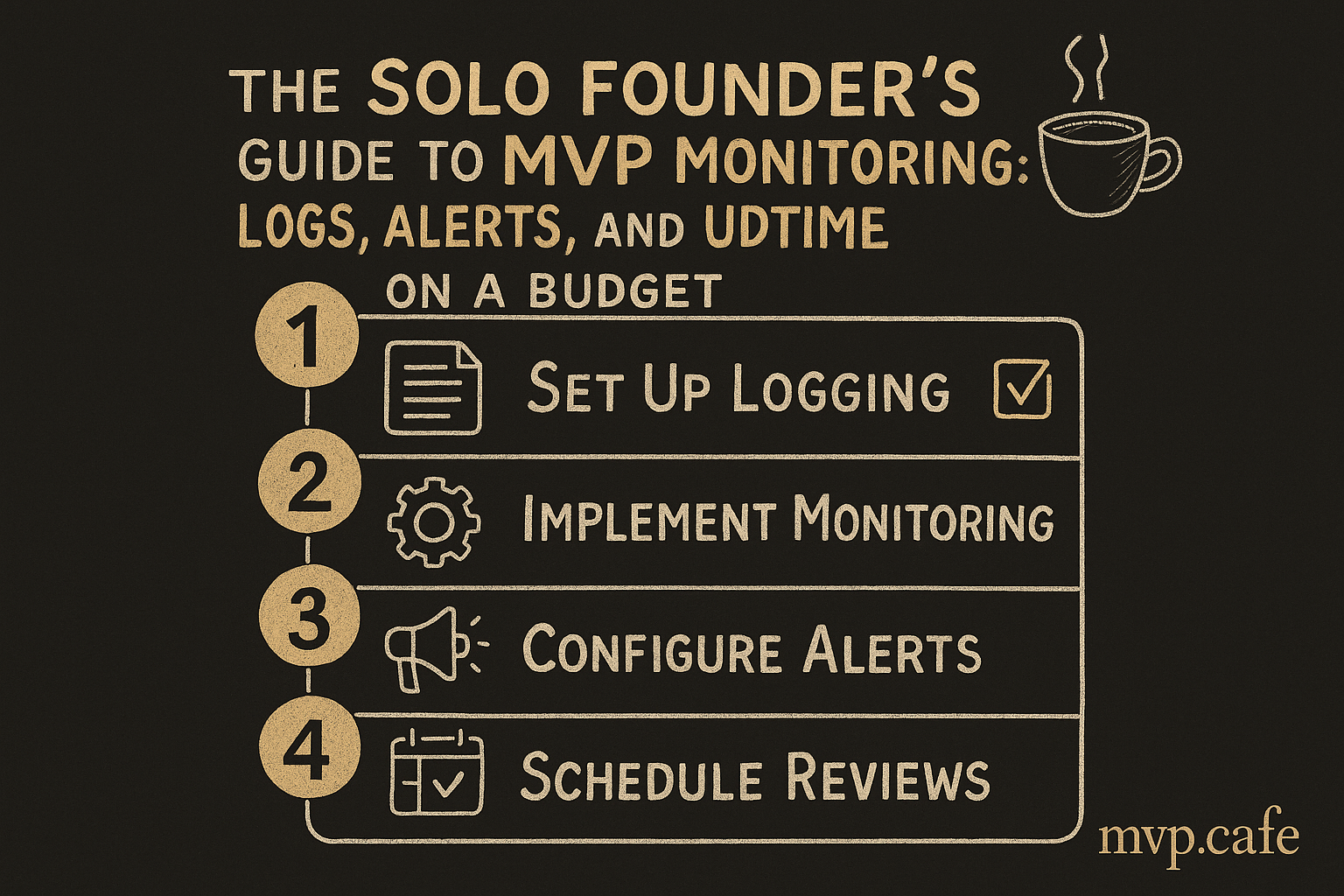
Then, hunt for budget-friendly options. Find tools that fit both your current and future needs. Lastly, plan your integration carefully to steer clear of disrupting your operations. For more tips, have a look at our budgeting strategies for launching an MVP.
Step-by-Step Guide to Implementing MVP Monitoring
Sorting out MVP monitoring is simple if you follow a few steps. First off, pick the right monitoring tools. UptimeRobot and Loggly? They’re perfect for solo founders—affordable and effective.
Next, set up alerts and logging. Customize alerts so they’re actually useful. Nobody wants to be swamped with notifications that don’t matter. And regularly review and tweak your monitoring setup. As your MVP evolves, so should your monitoring.
[INLINE IMAGE: none]
Common Pitfalls in MVP Monitoring and How to Avoid Them
A big no-no is over-relying on automated alerts. They should aid your decision-making, not replace it. Alerts need to be actionable. They should spur you into taking specific actions, not just flag issues.
Also, keep your monitoring systems up to date. Outdated systems can mess with data accuracy and miss alerts. For more personalized advice, consider our strategy sprint.
[INLINE IMAGE: framework — Framework for effective MVP monitoring]
Keeping your MVP on track means it performs well and stays online. For solo founders, the right tools are game-changers. If you’re in the market for a full MVP build service that includes monitoring solutions, check out our services.