
Vibe Coding Fails: What to Do When Your AI-Built App Breaks
You vibed your way to a working demo in 3 hours. Then you changed one thing and the whole app exploded. Now you’re staring at error messages that even the AI can’t fix.
Sound familiar?
You’re not the problem. The tools are designed for starting, not finishing. Vibe coding — the practice of describing what you want and letting AI write the code — works brilliantly for prototypes. It falls apart predictably at specific breakpoints.
I’ve audited 45+ products, many of them AI-built. The failure modes are always the same. Here’s exactly where vibe coding breaks, why it happens, and what to do about each one.
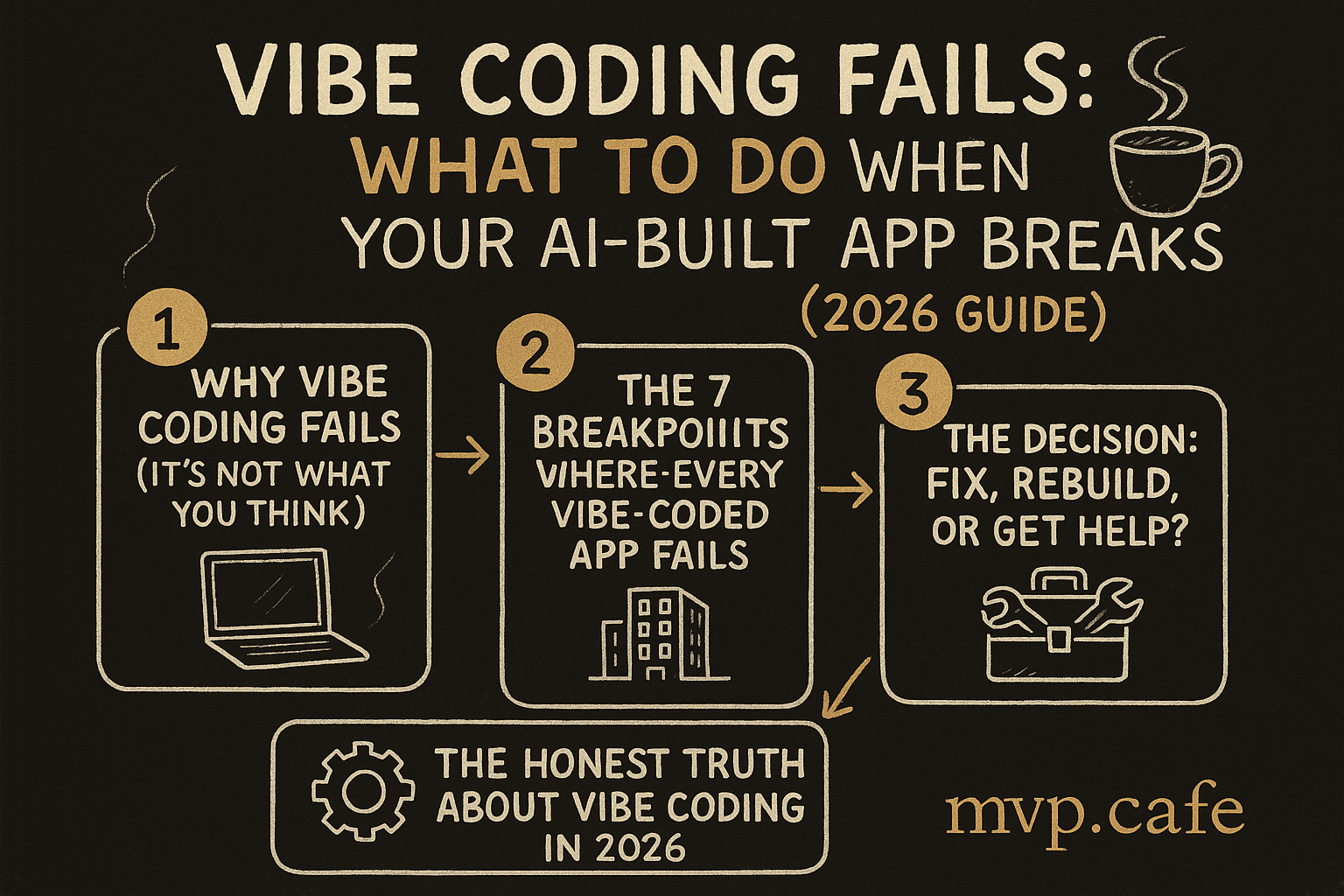
Why Vibe Coding Fails (It’s Not What You Think)
The internet is split into two camps: “vibe coding will replace developers” and “vibe coding is a toy.” Both are wrong.
Vibe coding fails because of a fundamental mismatch: AI tools optimize for the code that makes the thing work right now. Production apps need code that keeps working when things change.
That’s not a bug in Cursor or Lovable. It’s a design constraint. These tools can’t see your architecture, don’t know your scaling requirements, and have no concept of “6 months from now.”
The result is predictable: apps that work perfectly in demo, break in production, and resist fixing.
The 7 Breakpoints Where Every Vibe-Coded App Fails
Breakpoint 1: The State Spaghetti
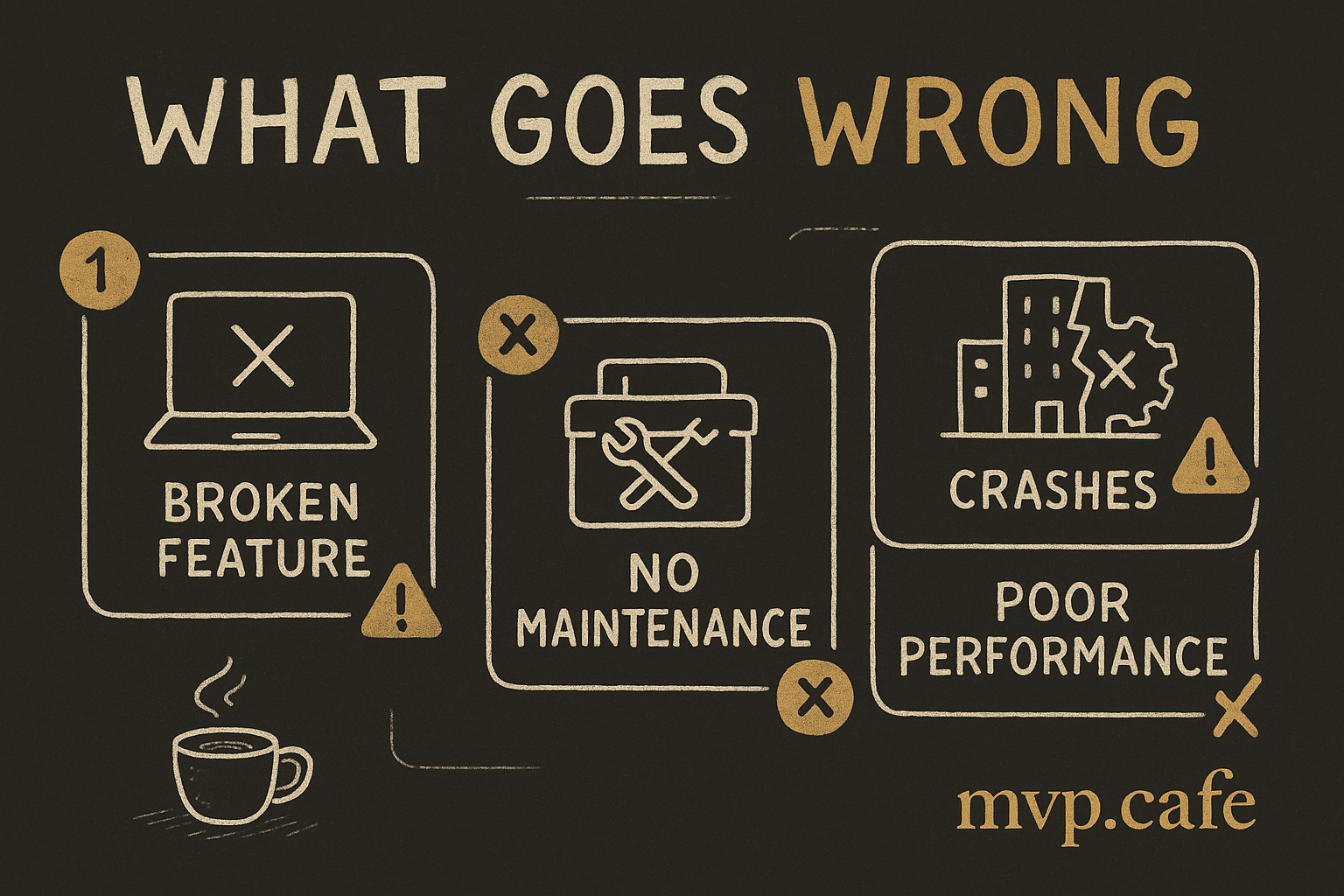
What happens: Your app works with 1 user and 10 records. Add 100 users and things get weird — data shows up in the wrong place, forms lose input, the UI flickers.
Why AI does this: AI tools solve the immediate prompt. “Make a dashboard that shows user data” gets you a dashboard. But the AI stored state in 14 different places — some in React state, some in local storage, some in URL params, some in a global variable it invented.
How to know you have this: Open your app in two browser tabs. Do something in tab 1. Does tab 2 break? If yes: state spaghetti.
The fix: You need a single source of truth for your data. This doesn’t mean rewriting everything:
- Pick ONE state management approach (React Context is fine for most MVPs)
- Map every piece of data to where it lives
- Eliminate duplicates — every data point should have exactly one home
- Add loading states (the AI almost never does this)
Time to fix: 4-8 hours for a typical MVP. Worth it.
Breakpoint 2: The Auth Illusion
What happens: Your app has a login page. It looks secure. It isn’t. Anyone who knows the URL can access any page. API keys are in the frontend code. There’s no real session management.
Why AI does this: When you say “add authentication,” AI adds the visual layer — a login form, maybe Firebase Auth or Supabase. But it doesn’t add route protection, server-side validation, or proper token management. The login is cosmetic.
How to know you have this: Log out. Then type a protected URL directly in your browser. If you can see the page, your auth is fake.
The fix:
- Check: Are your API keys in any
.envfile that ships to the browser? Move them server-side. - Add middleware that checks auth on EVERY protected route (not just the frontend redirect)
- Implement proper session tokens with expiration
- Test by trying to access every page while logged out
Time to fix: 2-6 hours. Non-negotiable before going live.
Breakpoint 3: The Database Time Bomb
What happens: Everything works until your database hits ~1,000 rows. Then pages take 10+ seconds to load. Or you need to change your data structure and realize everything is connected to everything.
Why AI does this: AI builds the database to match the current feature, not future features. No indexes, no normalization, no migration strategy. It’ll create a users table with 47 columns instead of related tables.
How to know you have this: Look at your database schema. If any table has more than 15 columns, or if you’re storing JSON blobs in text fields, you have this.
The fix:
- Add indexes on any column you search or filter by
- Separate concerns — a
userstable shouldn’t contain order data - Set up database migrations (so you can evolve the schema without losing data)
- If using Supabase/Firebase: enable Row Level Security (RLS). The AI probably didn’t.
Time to fix: 4-12 hours depending on severity.
Breakpoint 4: The Error Black Hole
What happens: Something goes wrong and the app shows a blank white screen. No error message. No way to recover. Users just… leave.
Why AI does this: Error handling is boring. AI tools skip it unless you explicitly ask. Every API call assumes success. Every form submission assumes valid input. Every database query assumes the connection is alive.
How to know you have this: Turn off your internet connection and use the app. If you get a white screen instead of a helpful error, you have this.
The fix:
- Wrap every API call in try/catch with user-friendly error messages
- Add a global error boundary (React) or error handler
- Add loading states for every async operation
- Log errors somewhere you can see them (Sentry free tier is fine)
Time to fix: 3-6 hours. Makes the difference between “professional” and “school project.”
Breakpoint 5: The Deployment Trap
What happens: Works on localhost. Deploy to Vercel/Netlify/Railway and everything breaks. Environment variables missing, CORS errors everywhere, builds failing.
Why AI does this: AI develops against localhost:3000. It hardcodes URLs, assumes local file access, and doesn’t know your deployment platform’s constraints.
How to know you have this: You’re reading this because you can’t deploy. You know.
The fix:
- Replace EVERY hardcoded URL with environment variables
- Set up a proper
.env.examplefile (without actual secrets) - Ensure your build command works in CI (not just locally)
- CORS: configure your API to accept requests from your actual domain
- Check that all dependencies are in
package.json(not just installed globally on your machine)
Time to fix: 2-4 hours for most apps.
Breakpoint 6: The Feature Jenga
What happens: You ask the AI to add one feature and three other things break. You fix those and two more break. The app becomes untouchable.
Why AI does this: No tests, no separation of concerns, no module boundaries. The AI wrote one giant file (or split things randomly) where everything depends on everything. Adding code becomes a game of Jenga where every block might topple the tower.
How to know you have this: Ask yourself: “Can I change the payment flow without worrying about the dashboard?” If the answer is no, you have Feature Jenga.
The fix:
- Don’t rewrite. Refactoring is cheaper. Start by drawing boundaries around features.
- Extract shared code into utility functions
- Add tests for your most critical paths (sign up, payment, core action) — even 5 tests is infinitely better than 0
- Before any AI-generated change, ask: “What else touches this code?”
Time to fix: Ongoing, but 1-2 days of focused refactoring usually makes the app stable again.
Breakpoint 7: The Performance Cliff
What happens: The app is fine with a few users. Then someone shares it on Twitter, you get 500 visitors, and everything crashes or slows to a crawl.
Why AI does this: AI tools don’t optimize for performance. They fetch all data on every page load, don’t implement caching, render everything client-side, and make redundant API calls.
How to know you have this: Open Chrome DevTools → Network tab. Reload a page. If you see more than 20 API calls or the page takes more than 3 seconds, you’re heading for the cliff.
The fix:
- Implement pagination (don’t load all records at once)
- Add caching for data that doesn’t change often
- Use server-side rendering for SEO-critical pages
- Debounce search inputs (stop firing API calls on every keystroke)
- Lazy-load images and components below the fold
Time to fix: 4-8 hours for the critical paths.
The Decision: Fix, Rebuild, or Get Help?
After reading this, you’re in one of three situations:
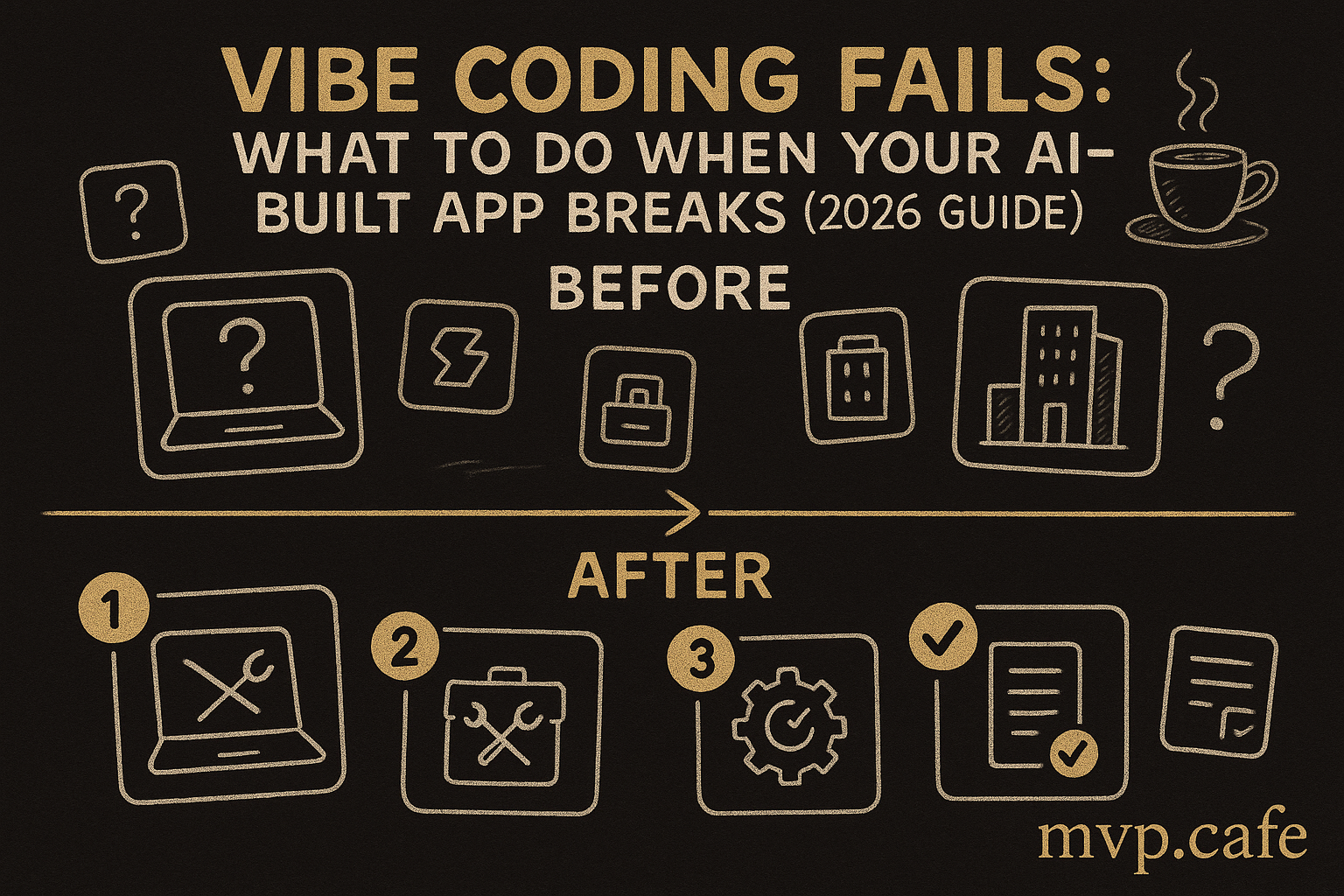
Fix It Yourself (1-3 breakpoints, you can code a bit)
If you have 1-3 of these issues and basic coding comfort:
- Budget 1-2 focused weekends
- Fix auth and errors first (safety), then state management (stability)
- Use the AI to help — but now you know what to ask for specifically
Rebuild Smart (4+ breakpoints, fundamental architecture issues)
If your app has 4+ breakpoints, rebuilding might be faster than fixing. But rebuild with a plan:
- Design the database first, code second
- Set up auth properly from day 1
- Add error handling as you build, not after
Diagnose Before You Fix
If this is a real business and not a side project, the cost of getting the diagnosis wrong exceeds the cost of slowing down to think.
→ Take the Build Score Assessment — free, 5 minutes. Get a personalized diagnosis of exactly where your app stands and what to fix first.
The Honest Truth About Vibe Coding in 2026
Vibe coding isn’t dying. It’s maturing. The tools are getting better every month. But right now, in 2026, they’re incredible at starting and terrible at finishing.
The founders who win aren’t the ones who avoid AI tools. They’re the ones who know where AI stops and human expertise begins.
That boundary? It’s exactly the 7 breakpoints above.
FAQ
Is vibe coding a waste of time?
No. Vibe coding is the fastest way to go from idea to working prototype. The mistake is thinking the prototype IS the product. Use vibe coding for speed, then bring in expertise for the last 20%.
Can I fix a vibe-coded app or do I need to start over?
Most apps can be fixed without starting over. The key is understanding which breakpoints you have and fixing them in the right order: security first, stability second, performance third.
Which AI coding tool has the fewest problems?
They all have the same fundamental limitations. Cursor is best for developers who can guide it. Lovable and Bolt are best for non-technical founders who need something visual fast. None of them produce production-ready code on the first pass.
How much does it cost to fix a vibe-coded app?
If you’re doing it yourself: free (just time). If hiring help: $500-$5,000 depending on severity. If rebuilding from scratch: $10,000-$50,000+. The earlier you fix issues, the cheaper it is.
Should I keep using AI tools after fixing my app?
Yes — but strategically. Use AI for boilerplate, repetitive code, and first drafts. Review everything it generates. Never trust it with auth, payments, or data architecture without human oversight.
Aman Jha has spent 10 years building products, 4 of them from scratch. He’s audited 45+ MVPs and helped founders go from broken prototypes to shipping products. He runs mvp.cafe — the bridge between “it works on my laptop” and “it works for my customers.”